macOS is a powerful and versatile operating system, but sometimes it can be hard to find the right apps for your needs. Fortunately, there are many free apps that help you handle all kinds of tasks, from file management to video editing. In this article, I list 16 free apps and 16 paid apps that are useful for any user and that will make your life easier and optimise your time.
Did you know there are apps that can make your macOS experience even better?
Free
- Appcleaner (recommended)
- Alt Tab
- VLC
- Transmission
- Evernote (recommended)
- Gimp
- LibreOffice
- Davinci Resolve (recommended)
- MenuBarX
- Camera Preview
- Vmware Fusion (recommended)
- Amphetamine
- PurePaste
- Plex Media Server
- Rectangle
- Thunderbird
Premium
- Paste (recommended)
- ForkLift
- Bartender
- 1Password (recommended)
- Keka
- Alfred
- Yoink
- Carbon Copy Cloner
- Little Snitch
- MacUpdater
- GoodTask (recommended)
- Fantastical (recommended)
- BusyContacts
- Leaf
- Screen Studio
- Airmail
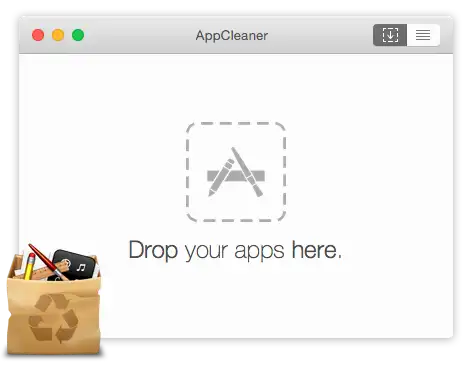
Lets you easily remove unwanted apps from your Mac. It looks for files created by applications and deletes them safely. Just drag an app you want to remove into the AppCleaner window; it will find the related files and you can delete them by clicking the remove button. With this app you can:
- Completely uninstall apps, widgets and plugins
- See the size, version and modification date of apps
- Protect apps you don’t want to uninstall
- Search apps by name, size or date
AppCleaner is compatible with macOS 10.12 and later and supports Apple Silicon. It is also available in several languages thanks to community contributions.

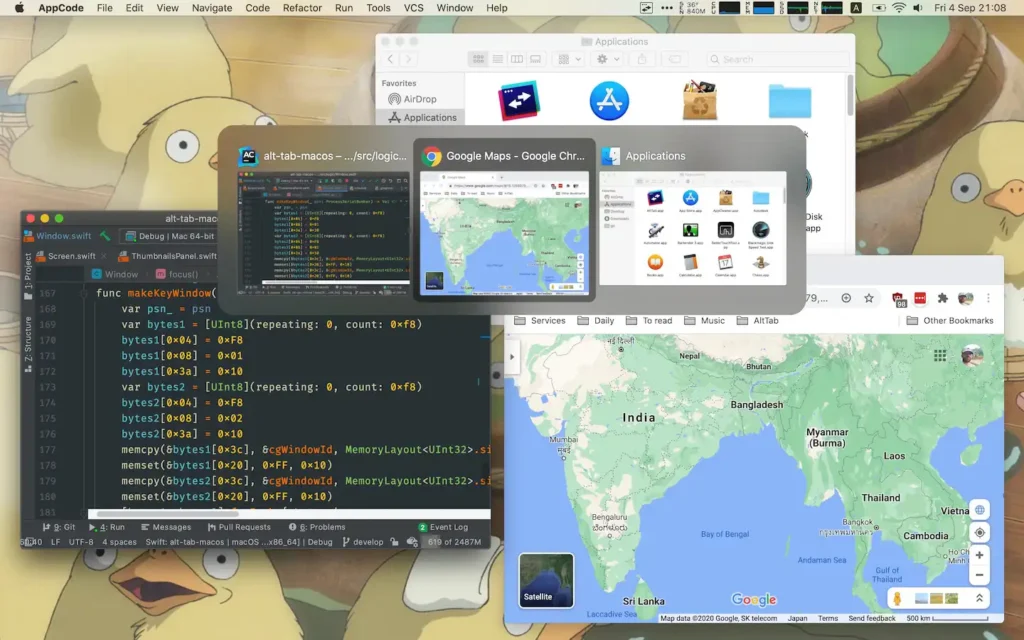
A free, open source app that lets you switch between windows on your Mac easily. It mimics the Windows Alt-Tab shortcut, showing previews of all open windows and letting you select one with a single keystroke. You can also customise the appearance and behaviour of AltTab to your liking. With this app you can:
- Switch focus to any window
- Minimise, close, full screen, hide or quit any window or app
- Use different keyboard shortcuts for different scenarios
- See app badges, space numbers and window titles
- Drag and drop items onto window thumbnails
- Exclude apps or windows from the switcher
It is compatible with macOS 10.12 and later and supports Apple Silicon. It is available in multiple languages thanks to volunteer translators.

An app that lets you play many types of media files on your computer. It is a framework and player that supports DVDs, audio CDs, VCDs and a variety of streaming protocols. VLC works on any Mac with a 64-bit Intel processor or Apple Silicon, as long as the OS is macOS 10.7.5 or later. It lets you:
- Play almost all video and audio formats without extra codec packs – MPEG-2, MPEG-4, H.264, MKV, WebM, WMV, MP3, etc.
- Use it on all platforms: Windows, Linux, Mac OS X, Unix, iOS, Android, etc.
- Customise the look and behaviour of VLC with skins and extensions
An alternative to VLC is another free app called IINA, which also supports many video formats.

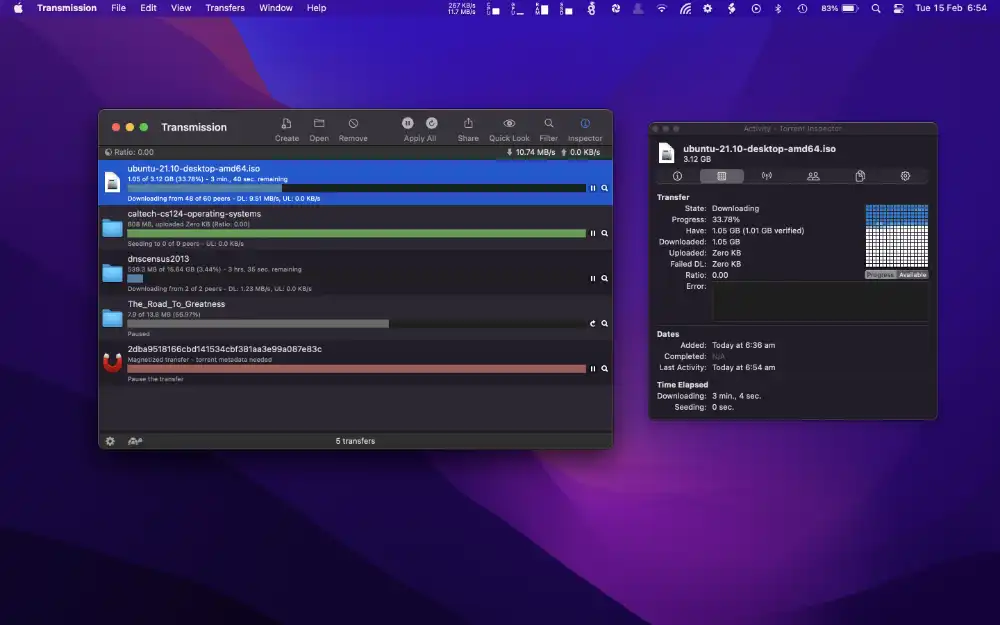
A program that uses the BitTorrent protocol to download and share files over the internet. It is also available on other operating systems such as Ubuntu, Fedora, Arch Linux, Debian and Raspberry Pi. Transmission lets you monitor downloads and uploads in real time, showing graphs with connection stability. Version 4.0 supports Apple Silicon.
Transmission has all the features a BitTorrent client needs, including an easy interface, privacy protection, web interface, full peer communication, speed limits and more.

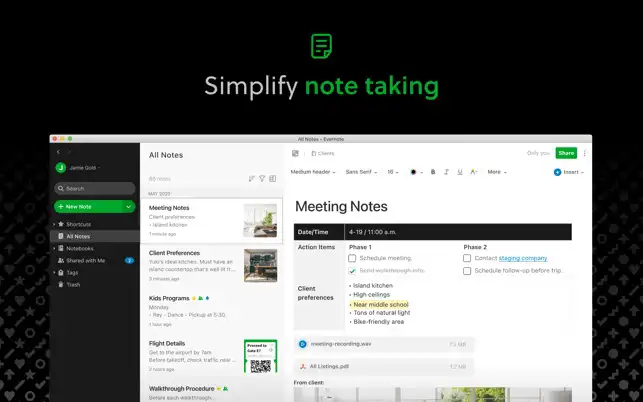
A task and note manager that helps you be more productive and organised. With Evernote you capture ideas as soon as inspiration strikes, gather tasks, notes and agendas, avoid distractions and get more done at work, at home or anywhere. By syncing all your devices, Evernote lets you stay productive even when you do not have your laptop with you.
Main features include:
- Idea capture: Write, collect and capture ideas as searchable notes, notebooks and to-do lists.
- Organisation: Manage your to-do list with Tasks, set due dates and reminders so you never miss a deadline.
- Access anywhere: Sync your notes and notebooks automatically across any computer, phone or tablet.
Evernote is free to download and use with limited features, paid plans add more capabilities.

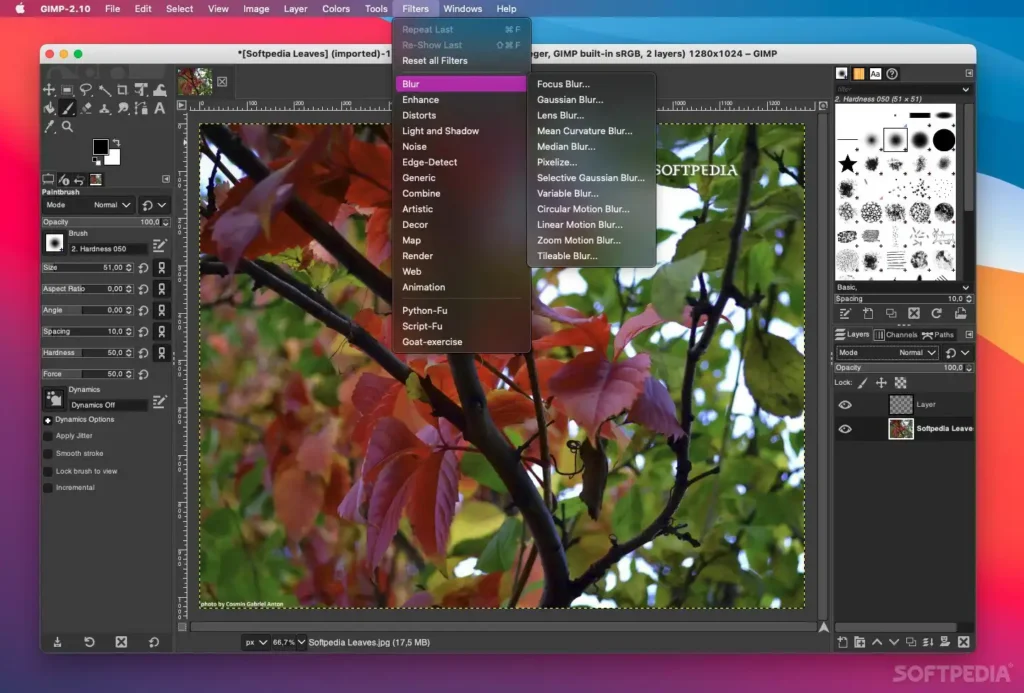
Software that lets you edit images professionally on your Mac. It supports many file formats such as JPEG, PNG, TIFF, PSD, SVG and more. GIMP requires macOS 10.12 Sierra or later and works on any Mac with a 64-bit Intel processor or Apple Silicon.
With GIMP you can:
- Retouch photos, correct colours, remove red-eye, clone objects and apply filters
- Composite images, create collages, montages, logos and icons
- Draw, paint, sketch and use vector tools
- Create animations, GIFs, banners and web designs
- Customise the interface and behaviour with themes, plugins and scripts
It is available in many languages thanks to translators.

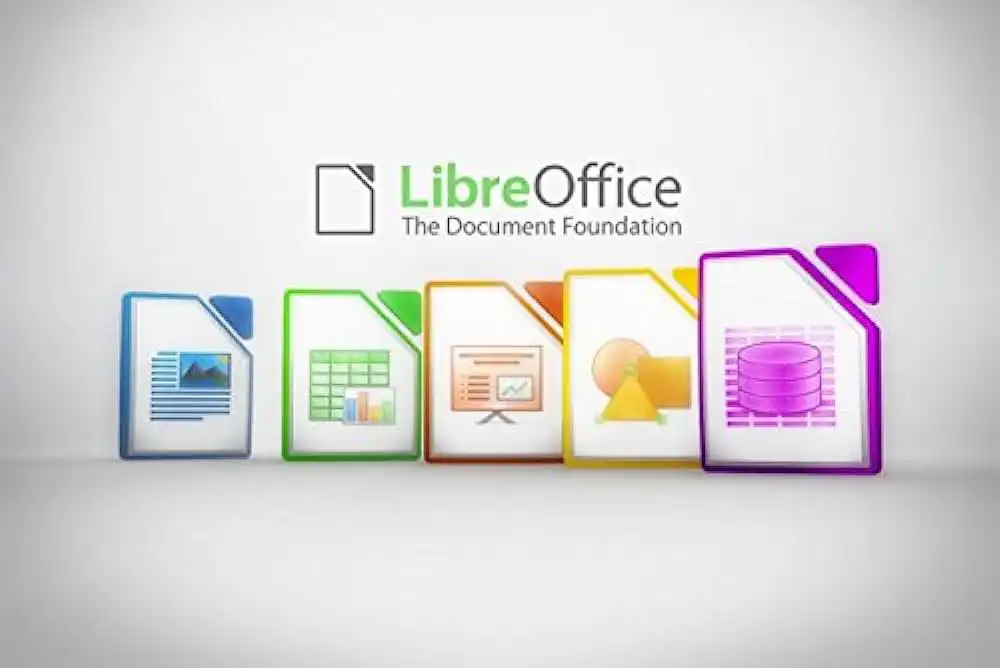
A free, open source suite that lets you create and edit documents, spreadsheets, presentations, charts and drawings on your Mac. It supports formats such as DOCX, XLSX, PPTX, ODF and PDF. LibreOffice works on any Mac with a 64-bit Intel processor or Apple Silicon and macOS 10.12 Sierra or later. It lets you:
- Create text documents with Writer, with advanced formatting, review, autocorrect and export features
- Create spreadsheets with Calc, with analysis tools, charts, pivot tables and macros
- Create presentations with Impress, with animations, transitions, media and templates
- Create drawings with Draw, with vector drawing, diagrams, flowcharts and illustrations
- Create technical formulas with Math
- Create databases with Base, with creation, queries, reports and links to external sources
Thanks to translators, LibreOffice is available in many languages.
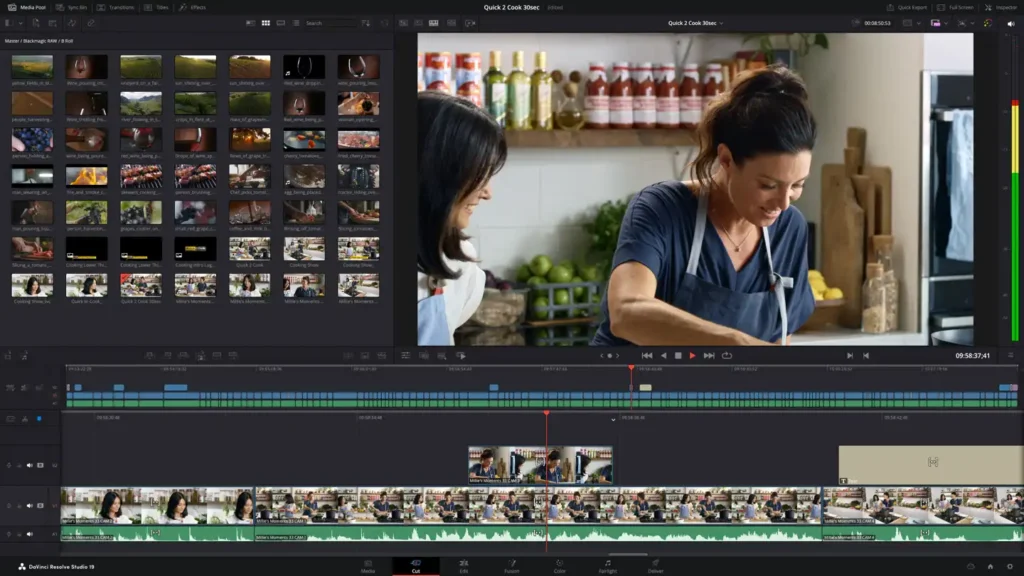
DaVinci Resolve is the only solution that combines audio post-production, colour correction, visual effects and 8K professional editing in one software tool for Mac, Windows and Linux. It supports hardware encoding and decoding for H.264 and H.265 and multiple GPUs. You can download the free version or buy the Studio version with extra features from the Blackmagic Design website or the App Store. With DaVinci Resolve you can:
- Switch instantly between editing, colour, effects and audio with a single click
- Work with original camera-quality images throughout the process
- Use professional editing tools, advanced colour correction, visual effects and audio post-production
- Use Emmy award-winning image technology with 32-bit floating-point processing, patented YRGB colour science and a wide gamut colour space for modern HDR workflows
- Collaborate in real time with editors, VFX artists and sound engineers all working on the same project
DaVinci Resolve is the top-tier software for high-end post-production and finishing in more films, TV shows and commercials than any other.

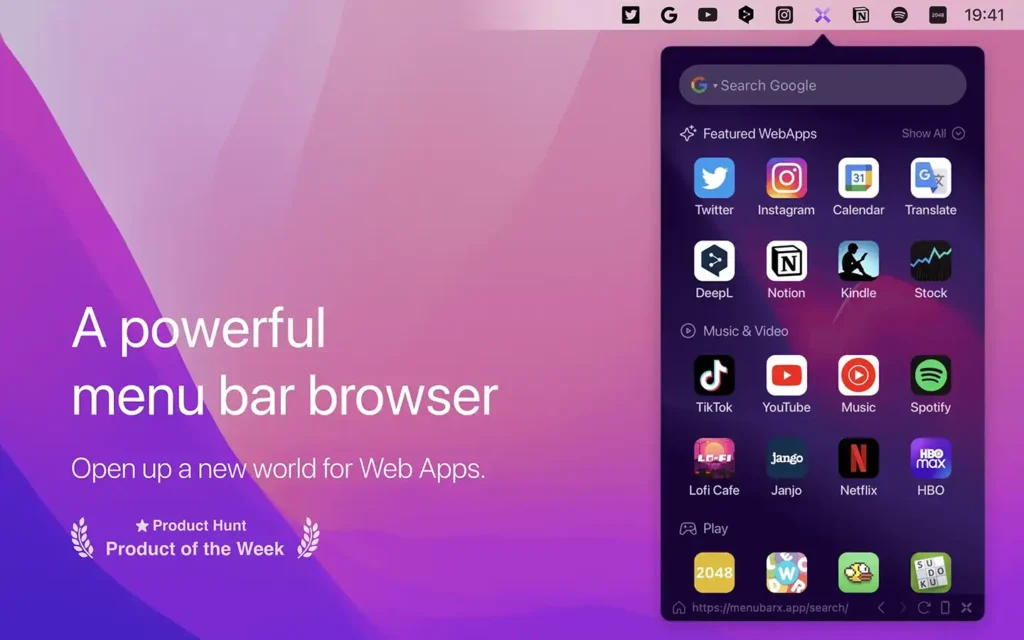
A browser that lives in the Mac menu bar and lets you add and quickly access any web page as if it were a native app. It supports a wide range of device simulations such as iPhone, iPad, Android and even Kindle. It is an essential tool for power users who want to search, read, watch videos, listen to music and play games with a single click.
Key features include unlimited tabs, unlimited favourites, custom home page, custom site icons, automatic AdBlock, custom JS/CSS scripts, pinned window, detachable window, device simulator, user-agent switching, auto-resize, auto-refresh, quick shortcuts, dark mode, multi-language support and download manager.

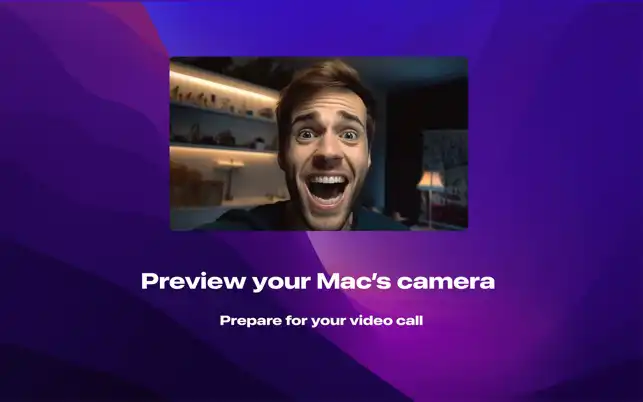
A simple app that lets you check your Mac’s camera image before you join a video call. With Camera Preview you can:
- Access your camera image with a single click
- Keep the app in the menu bar or Dock
- Show the camera image with a keyboard shortcut
- Resize and reposition the camera window to your liking
- Capture photos quickly and easily from inside the app
- Preview an external camera as well
Camera Preview respects your privacy. There is no tracking and the app cannot connect to the internet because of macOS network restrictions.
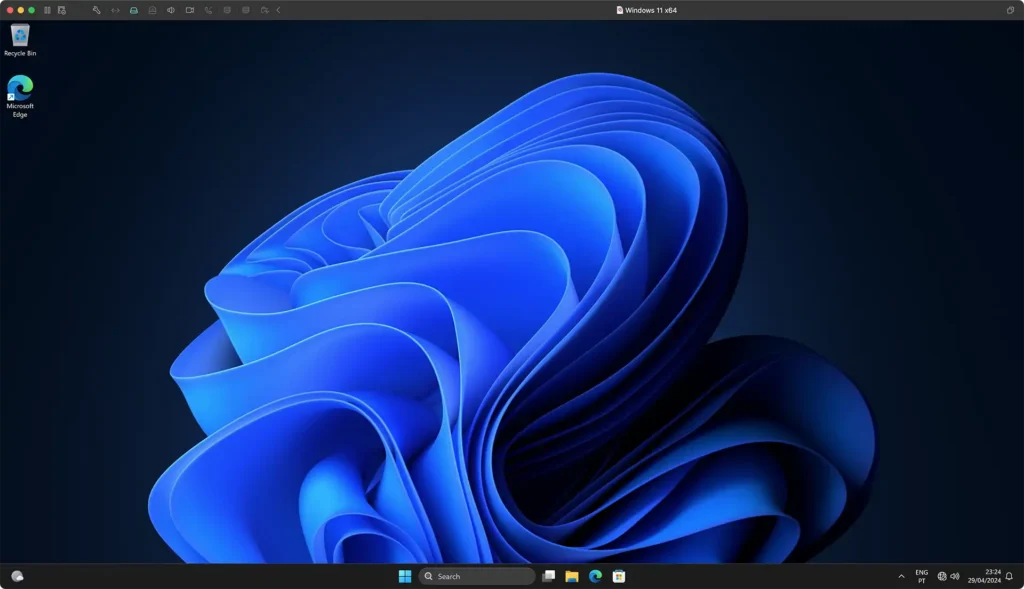
An app that lets Mac users run Windows, Linux, macOS and other operating systems without rebooting. VMware Fusion offers features for developers, IT admins and everyday users. It supports Intel and Apple Silicon Macs running macOS 12 or later. VMware Fusion lets you:
- Run almost any OS in a virtual machine on your Mac, from Windows 11 to many Linux distributions and macOS
- Enjoy powerful graphics; Windows 11 on Arm now offers DirectX 11 on Apple Silicon Macs for smooth, responsive desktop use, apps and games
VMware Fusion Pro is available in several languages.

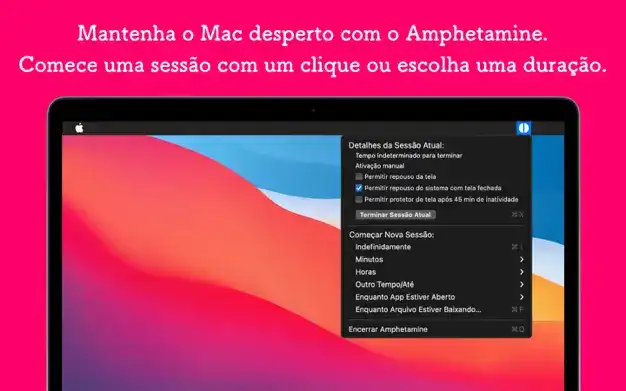
A free, easy-to-use app that keeps your Mac awake with a simple switch or easy-to-configure triggers. Amphetamine is very powerful and offers advanced features for those who need them, while staying simple for everyone else. Amphetamine can:
- Keep your Mac awake indefinitely, for a set period or until a specific time
- Keep your Mac awake while a file is downloading
- Keep your Mac awake while a specific app is running
- Create triggers to keep your Mac awake automatically:
- While an external monitor is connected
- While a USB or Bluetooth device is connected
- While the battery is charging and/or above a threshold
- When your Mac has a specific IP address or Wi-Fi network
- While connected to a VPN
- While headphones or other audio outputs are in use
- While a specific drive or volume is mounted
- While CPU usage is above a set level
Amphetamine requires macOS 10.11 El Capitan or later; some features need newer versions.

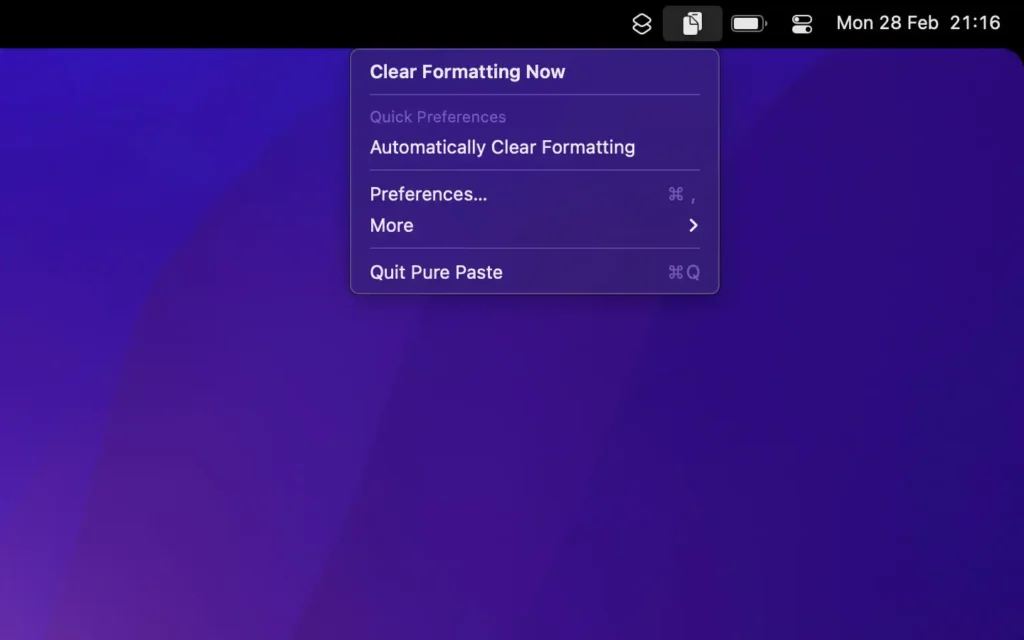
A free, easy app that pastes plain text by default. It stays in the menu bar and strips formatting from copied text, including fonts, colours, bold, links, tables and more, without affecting content like files and images. It ignores content copied from password managers. When needed, you can clean formatting manually. PurePaste lets you:
- Avoid formatting issues when pasting text into email, documents or other apps
- Remove tracking parameters from URLs such as Google UTM and resolve some service URLs offline when possible
- Normalise line breaks and lists
- Hide the menu bar icon for a cleaner bar
- Exclude specific apps
- Optionally preserve links
PurePaste is privacy-friendly. Due to macOS network restrictions, the app cannot be monitored and cannot connect to the internet.

An app that turns your Mac into a personal media server. Plex Media Server lets you organise and stream your movie, TV, music, photo and video collection to any device, at home or away. It also offers free access to movies, TV shows, podcasts, news and webshows. Setup is simple and works on Intel and Apple Silicon Macs running macOS 10.9 Mavericks or later. Plex Media Server lets you:
- Create and manage your media library with metadata, artwork, subtitles and extras
- Stream media to any Plex-enabled device such as TVs, smartphones, tablets, consoles and streaming boxes
- Share your media with friends and family or invite them to watch together
- Use advanced features such as transcoding, DVR, Live TV, remote control and more
- Discover new content such as free movies and shows, podcasts, news and webshows
- Personalise your experience with themes, collections, playlists and more
Unlike some media apps, Plex Media Server does not lock main features behind a paid version.


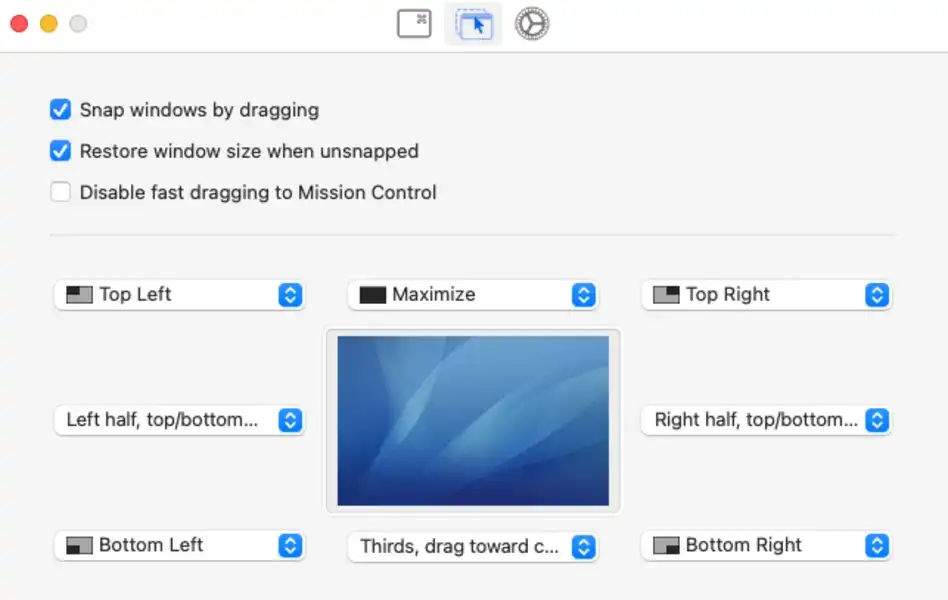
An app that uses snap areas or keyboard shortcuts to control windows on your Mac. It is based on Spectacle, a popular window manager, but adds more features and is written in Swift. Rectangle works on Intel and Apple Silicon Macs and supports macOS 10.15 or later. It lets you:
- Resize and move windows to the left, right, top, bottom, centre, corners or edges of the screen
- Repeat keyboard shortcuts to cycle between different window sizes and positions
- Create custom actions to resize and move windows exactly how you like
- Choose from several menu bar icons or hide the icon entirely
- Ignore specific apps that should not be affected

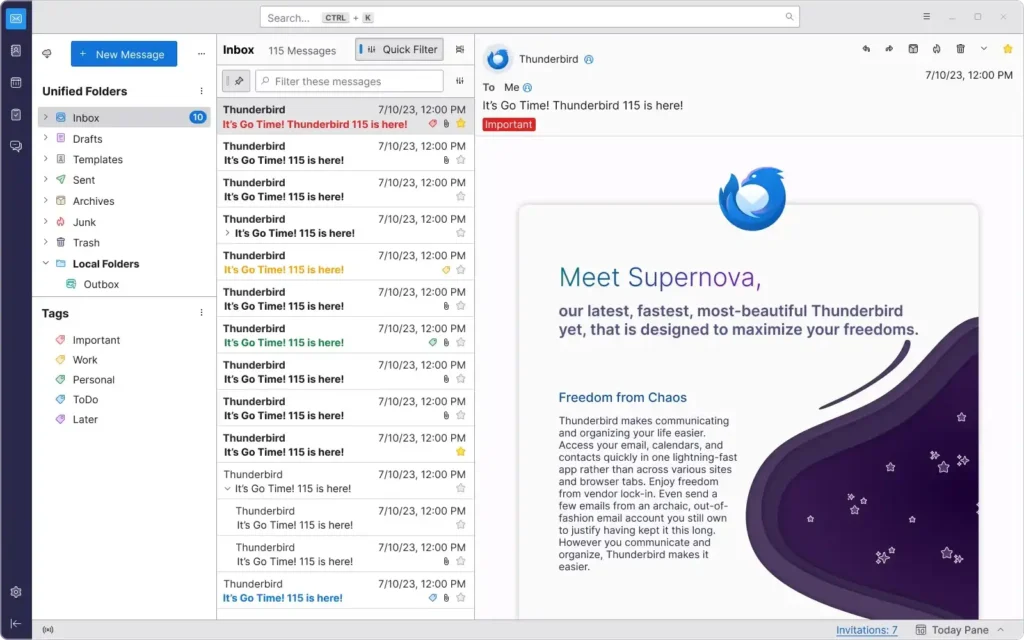
Thunderbird is a fast app that brings together all your contacts, messages and calendars. It offers advanced features such as smart filters, customisable organisation and support for many email services including iCloud, MS Exchange, Gmail, Google Apps, IMAP, POP3, Yahoo, Outlook.com and AOL. Funded by user donations, Thunderbird prioritises privacy and security and avoids collecting personal data or showing ads in your inbox. As part of the Mozilla family, it is open source and highly customisable to fit your workflow and visual preferences.

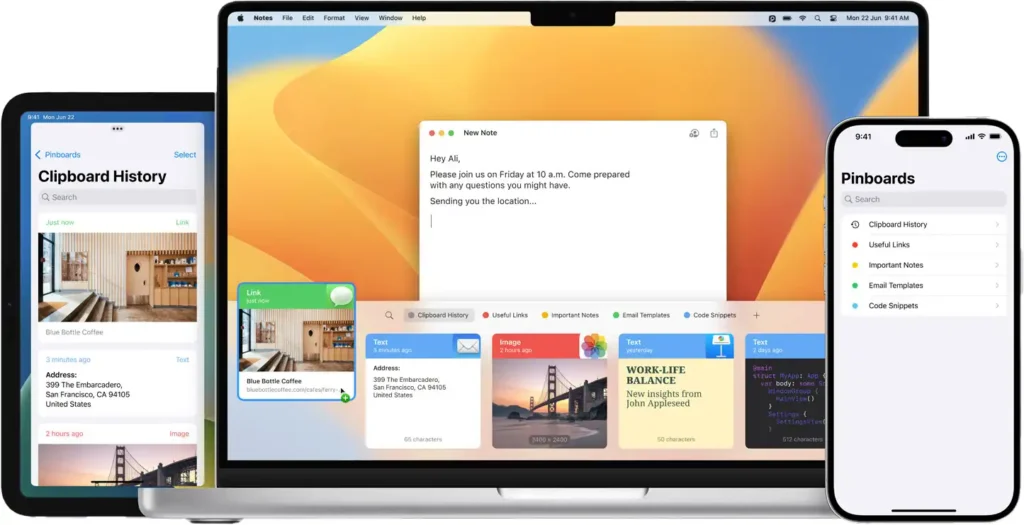
A powerful, smart clipboard manager for Mac that stores everything you copy and lets you access your history at any time. Paste keeps original formatting or plain text, lets you choose what to keep or remove with rules and even preview and edit links, images and files before pasting. It works with Siri for automating common tasks and provides keyboard access on iOS for easy typing on iPhone and iPad.
Main features:
- Cloud clipboard history: Stores everything you copy, from text and links to images and files.
- Quick access: Find anything you copied with a simple search.
- Organisation: Categorise your copied content using pins to keep everything tidy.
- iCloud sync: Keep all your clipboard snippets in sync across devices.
Paste is ideal for developers, designers, content and marketing professionals, sales and support, and anyone who copies and pastes a lot.

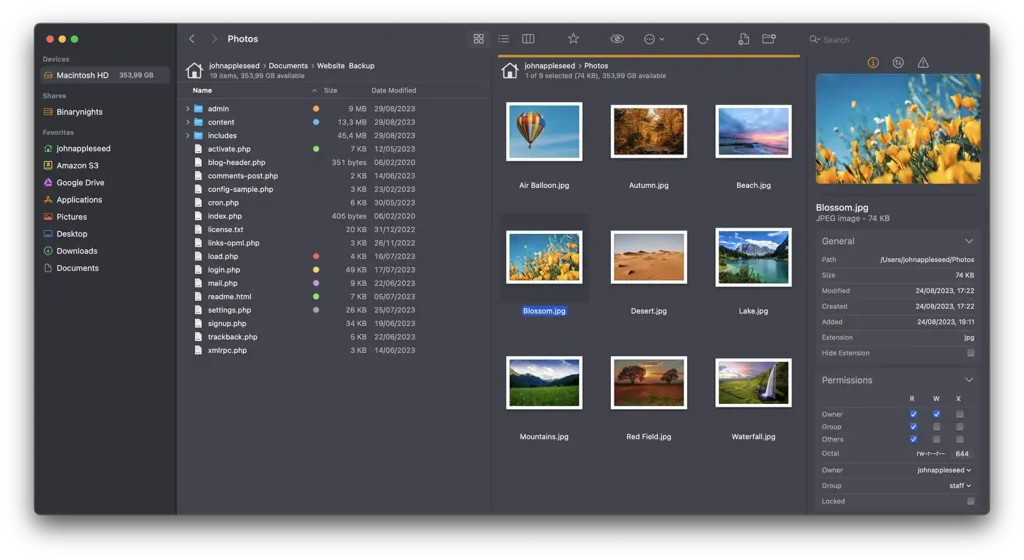
A dual-pane file transfer client and file manager. It is a powerful tool to connect to remote servers such as SFTP, FTP, WebDAV, Amazon S3, Backblaze B2, Google Drive, OneDrive, Dropbox, Rackspace Cloudfiles, SMB, AFP and NFS. With ForkLift you can manage files on local and remote networks, connect to multiple servers at once and even copy between them with drag and drop.
Main features:
- Remote connections: Easy access to many storage services and file servers.
- File management: Fast file management on local drives and remote servers.
- Customisation: Interface themes, including user-created ones.
- Advanced tools: Folder sync, batch rename, file operations and more.
- Familiar interface: Finder-like, with dual panes for better workflow.

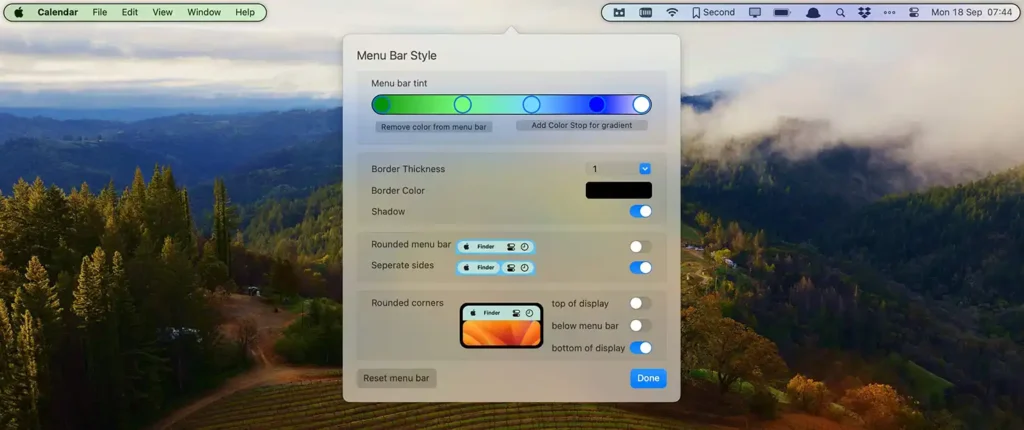
An award-winning app that makes your menu bar more powerful by letting you control which items show and when. For more than 10 years, Bartender has improved workflows with quick reveal, search, custom shortcuts and triggers.
Key features:
- Full access: Access to menu bar items that would otherwise be hidden.
- Bartender Bar: Access to hidden items in a secondary bar below the menu bar.
- Customisation: Colours, gradients, borders and shadows for your menu bar.
- Groups: Combine multiple menu bar items into one.
- Triggers: Automatically apply presets or show sets of items when trigger conditions are met.
Bartender is ideal if you want a tidy but powerful menu bar. If you do not want to pay for a richer solution, you can use the free alternative.

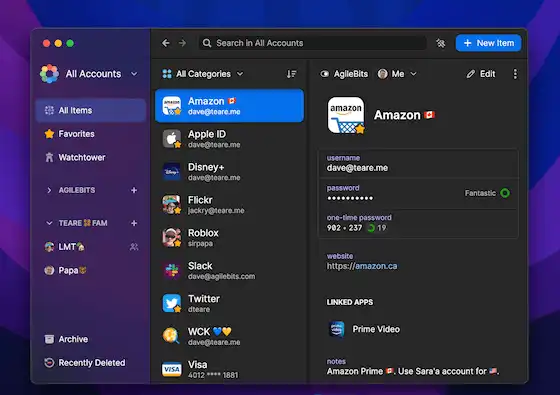
If you often use macOS Keychain Access, this password manager is for you. 1Password is a market-leading password manager designed to increase security and productivity on macOS. With a modern interface and deep OS integration, it provides a smooth experience. It lets you store and auto-fill usernames, passwords and two-factor codes in browsers and Mac apps.
Main features:
- Quick access: All your 1Password information is a shortcut away.
- Universal autofill: Works in apps and browsers.
- Strong security: Extra tools and integrations to keep you safe online.
- Safe browsing: Full 1Password functionality in your favourite browser.
- Biometric unlock: Unlock all your accounts like you unlock your Mac, with Touch ID or Apple Watch.
- Security keys: Use hardware security keys as a second factor for your 1Password account.
1Password 8 is optimised for Mac with separate builds for Apple Silicon and Intel.

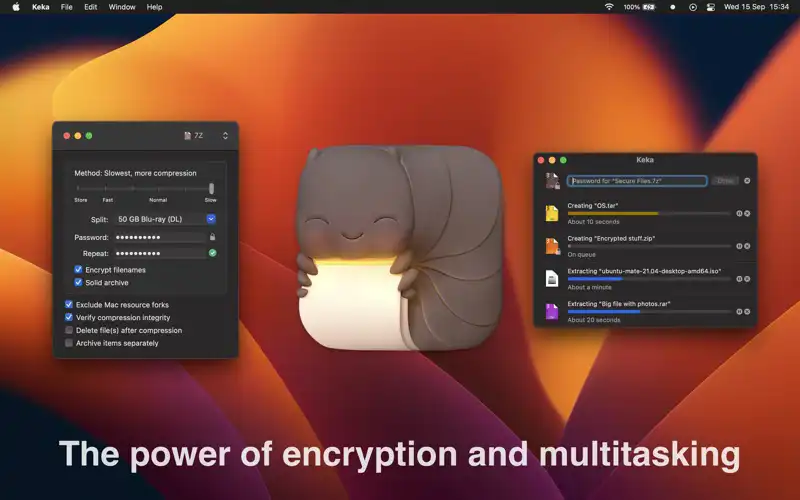
A powerful file archiver for macOS that lets you compress and extract files easily. With a simple interface, it supports 7z, Zip, Tar, Gzip, Bzip2, DMG, ISO and more. It runs on macOS 10.10 or later. With Keka you can:
- Compress files in various formats to save disk space or share more easily
- Extract files from many types of archives
- Protect archives with encryption
- Split large files into smaller parts for email or size-limited services
- Customise preferences to fit your workflow, such as default actions and icons
If you want a free extract-only app, The Unarchiver is available on macOS.

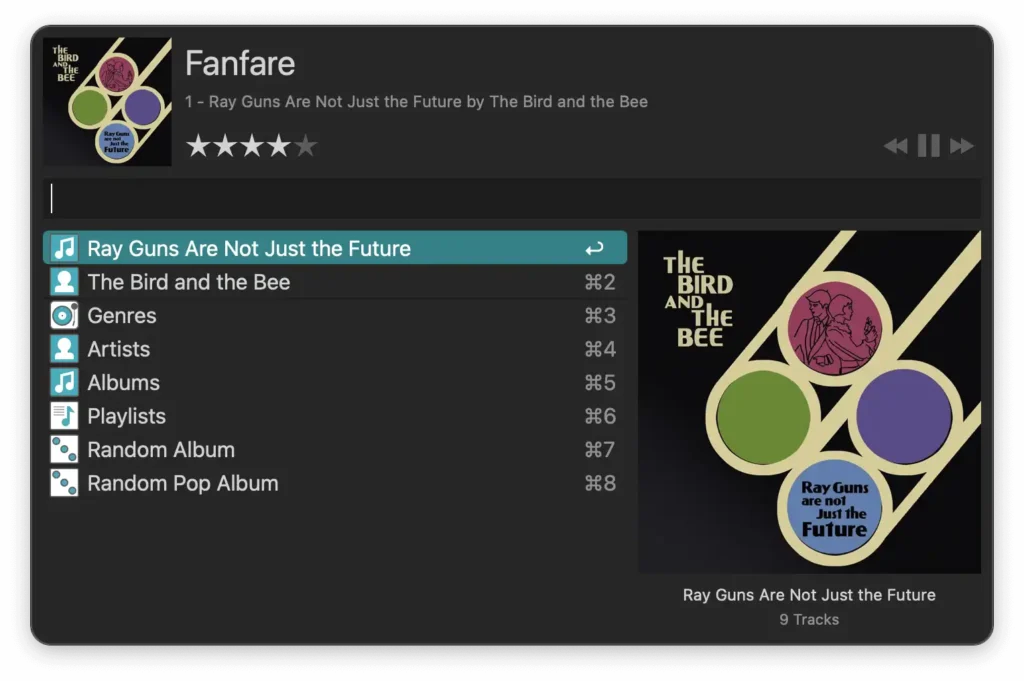
An award-winning app that uses keyboard shortcuts, keywords, text expansion and more to boost your efficiency. Search your Mac or the web and become more productive with custom functions. It offers rich, interactive views so you discover new ways to use Alfred. Launch apps and find files or search the web, saving hours over time.
Key features:
- Type less: Clipboard history and snippets mean you avoid typing the same URLs or replies repeatedly.
- Extend and automate: The Powerpack offers powerful workflows to reduce repetitive tasks.
- Control your Mac: Deep integration with macOS lets you control music and system functions.
- Productivity at your fingertips: Find apps and files, search the web, calculate, check spelling and definitions, control your system and more, all from the keyboard.

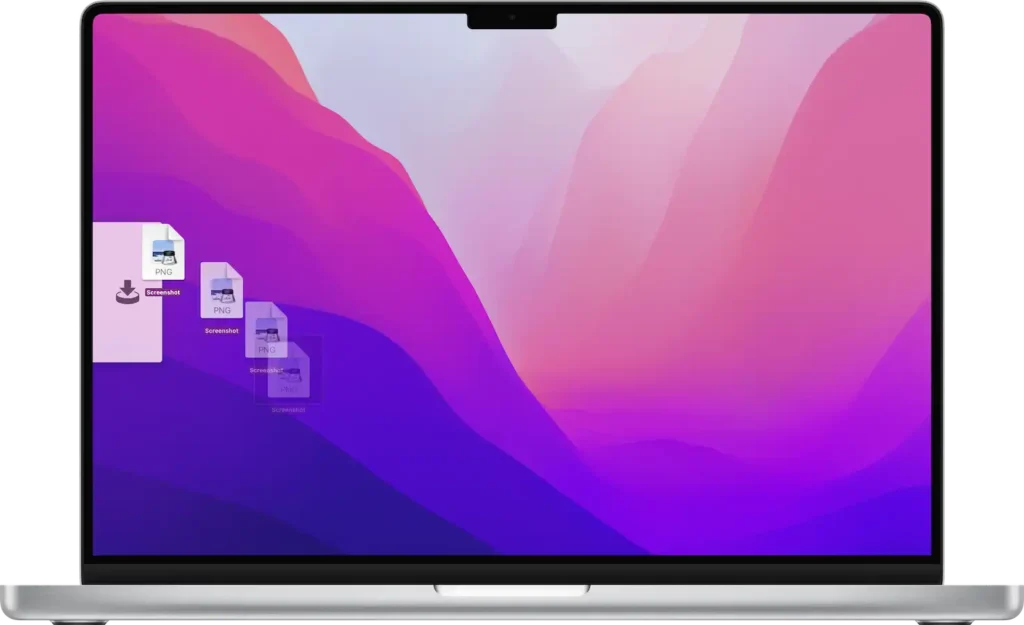
A drag-and-drop utility that makes moving files, apps and anything draggable much easier. It works as a “shelf” on the side of the screen where you drop items and then move or copy them anywhere.
Main features:
- A side “shelf” for files and content you want to move or copy, behaving like Finder for move/copy
- Handoff to transfer files between all Macs, iPads and iPhones where Yoink runs
Yoink costs $8.99, but you can try it with a free trial.

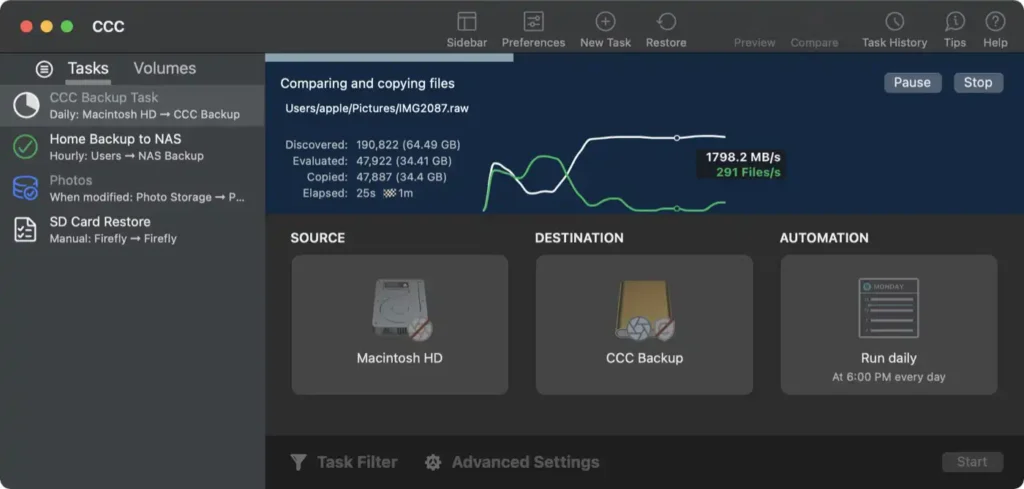
An advanced tool for cloning and copying files. It is an excellent alternative to Time Machine. You can set CCC to run daily or hourly backups of your Mac with a few clicks. Backups are compatible with Migration Assistant so you can move data to a new Mac.
CCC can:
- Create non-proprietary copies of your data on local or network volumes
- Perform folder-to-folder copies
- Copy one external volume to another
- Apply advanced filters to include or exclude exactly what you want in a backup task
- Verify and re-verify the integrity of copied files

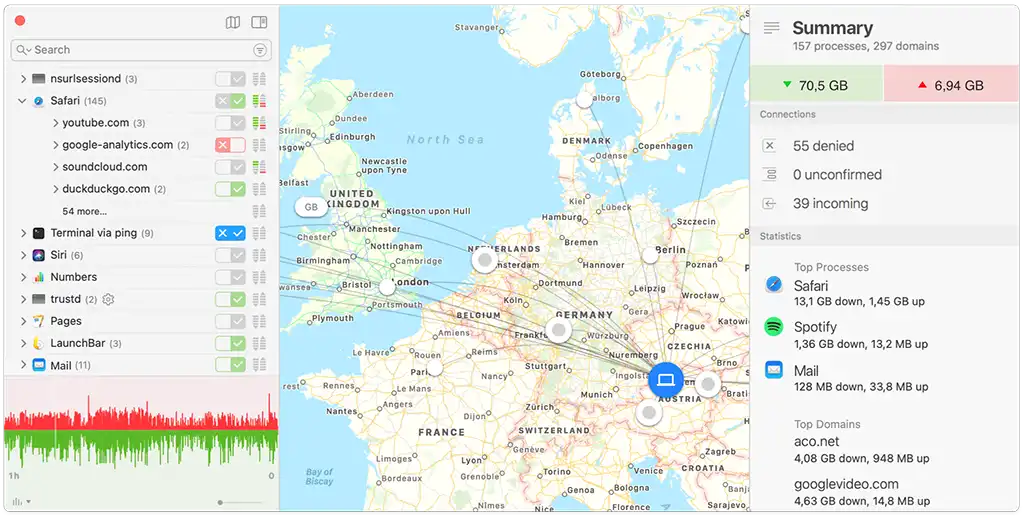
A host-based application firewall for macOS that is essential for network connections. It uses advanced rules to monitor apps and decide whether they can connect to networks. Little Snitch lets you control data going in and out of your Mac and reveals hidden internet connections.
Key features:
- Alert mode: Whenever an app tries to connect to a server, Little Snitch shows a connection alert so you can allow or deny it. No data leaves your Mac without your consent.
- Silent mode: For new users who feel overwhelmed by alerts, Silent Mode lets you silence them and decide later.
- Network Monitor: A window into your Mac’s network activity from three perspectives.
- Connection details: Shows the location of all servers your Mac connects to on an interactive world map with animated lines for active and blocked connections.
Little Snitch 6 supports macOS Sonoma.

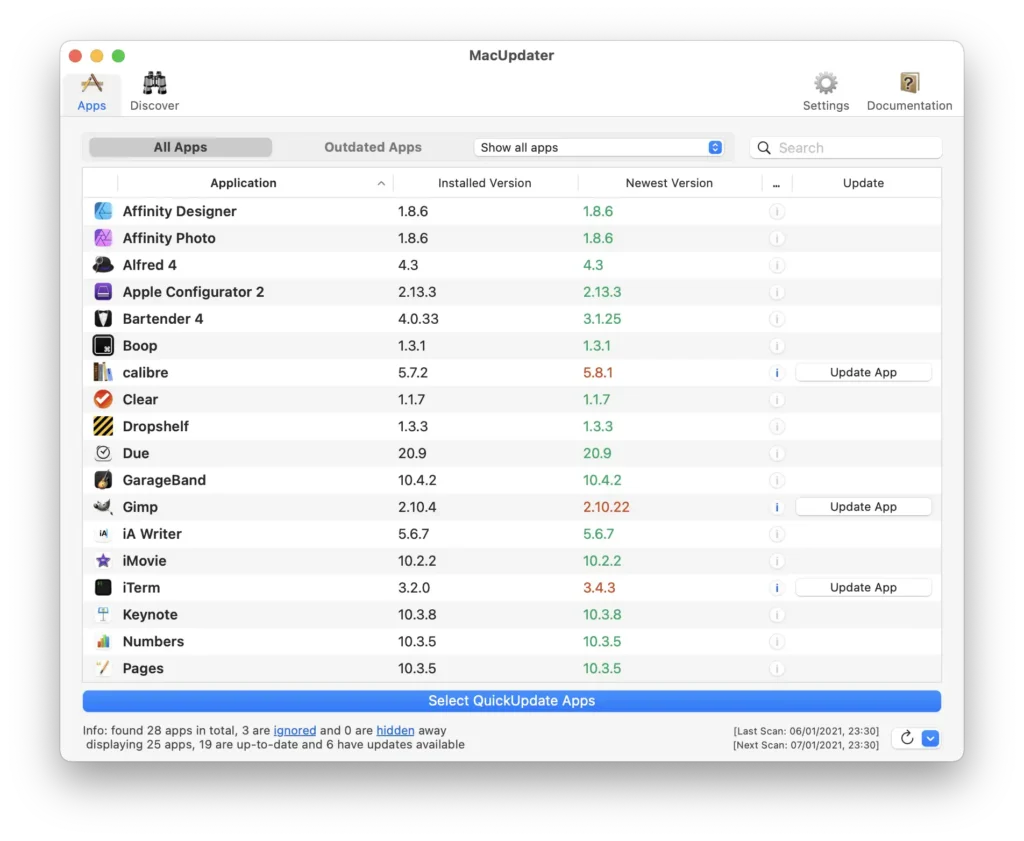
An app dedicated to keeping all your programs up to date. It automatically monitors the latest updates for all installed apps. With MacUpdater you immediately see which installed software is outdated and update it with a single click.
Main features:
- App scan: Lists all installed software and highlights in red those with available updates.
- Easy updates: Click the “Update” button next to an outdated app and MacUpdater updates it automatically.
- One-time purchase: A single $10 purchase, no subscriptions. If you only want to see what is out of date, it is free.

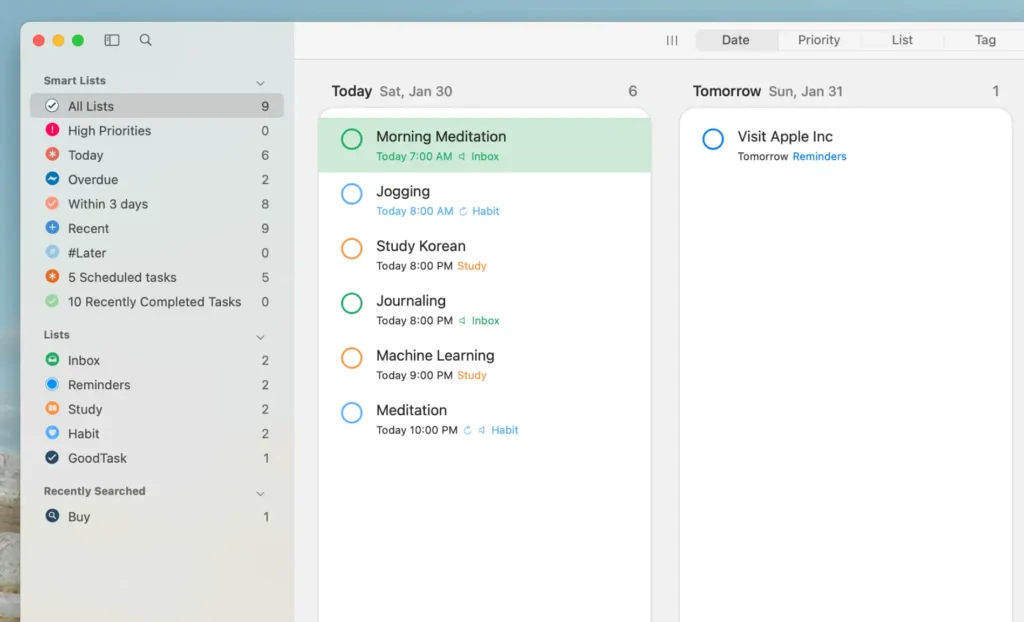
A powerful tool for managing projects and tasks, based on Apple Reminders and Calendars. GoodTask ranges from a simple checklist to a full project management system that helps you complete meaningful work.
Key features:
- Sync with Reminders and Calendars: Shows your Reminders and Calendar data in a clean interface. View today and tomorrow, weekly or monthly, see what you did last week and what you plan for next month.
- Smart lists: Filter tasks any way you want, including by including or excluding #tags. Combine lists and calendars for a full view.
- Quick actions and text snippets: Set up quick actions to add tasks your way, and create snippets to configure tasks easily while typing.

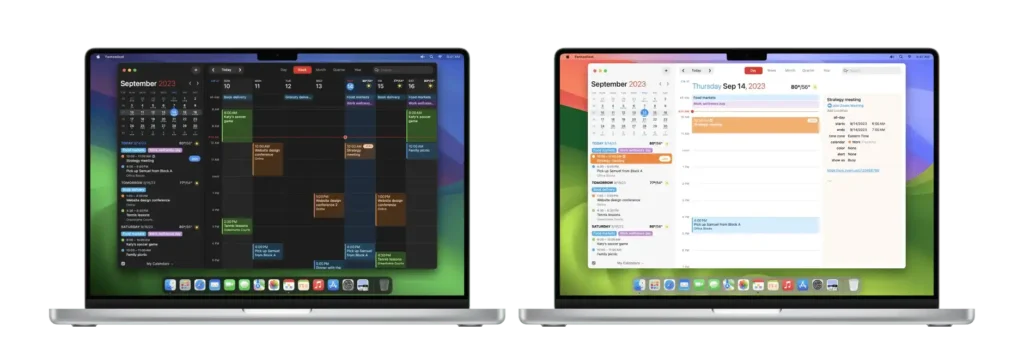
An award-winning calendar app with powerful features. It supports natural-language input, full calendar views for day, week, month, quarter and year, a mini quick-access window, task support, time zones and more. Type “Lunch with John on Friday at 1 pm” and it schedules it. Type “remind me to buy milk on Tuesday” and Fantastical creates a dated task.
Try Fantastical for free:
- Full task support, including Todoist and Google Tasks
- 3-day weather forecast (by AccuWeather)
Upgrade to Flexibits Premium (subscription) for:
- Fantastical on Mac, iPhone, Apple Watch and iPad
- Adding calls from Zoom, Google Meet, Webex and Microsoft Teams
- 10-day weather with RealFeel and MinuteCast for minute-level data (AccuWeather)
- Sync of calendar sets and templates between devices
- And more

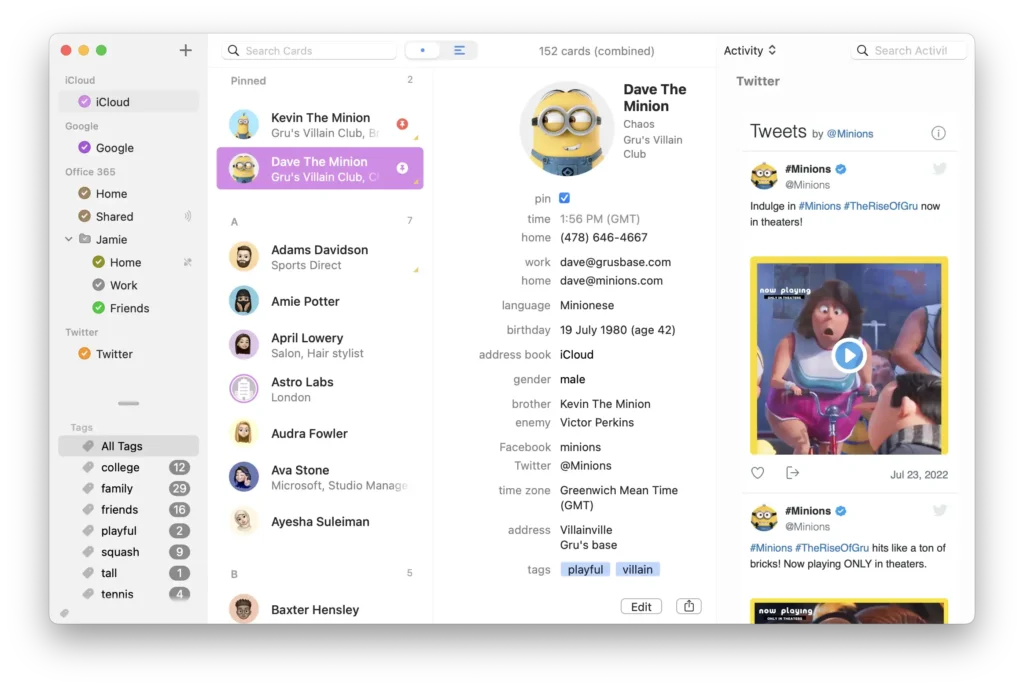
A contacts app that makes adding, finding and managing contacts easier. BusyContacts integrates perfectly with BusyCal, becoming a simple CRM tool that adapts to your needs.
Main features:
- Custom views: Display contacts in a single-column list or multi-column table where you choose fields such as company, surname, name, email, phone and sort order.
- Tags: A very flexible way to manage contacts. Assign multiple tags per contact and filter easily (family, client, prospect, coworker, etc.).
- Integration with BusyCal: Link contacts to events and tasks, giving you lightweight CRM capabilities for meetings, follow-ups and activity tracking.
- Sync and sharing: Syncs with major cloud services such as iCloud, Google, Office 365, Exchange and other CardDAV servers and syncs with the built-in Contacts app on macOS and iOS via iCloud CardDAV.
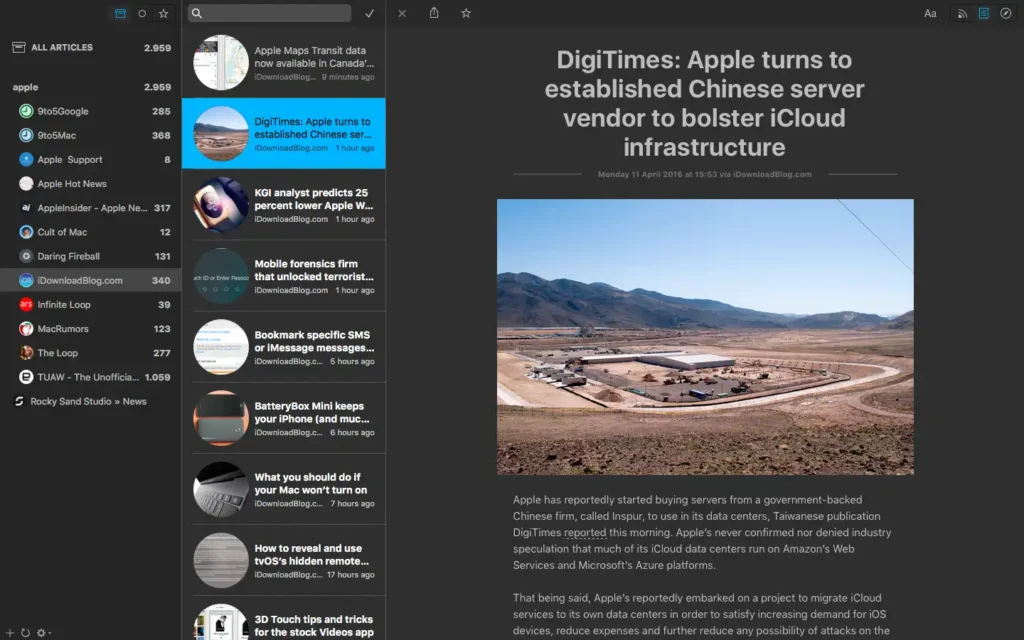
An easy-to-use news reader that lets you read, share, favourite and search the news you like. Leaf is one of the most polished newsreaders in the App Store and has been highlighted by Apple in “Our favourite apps”. It is a complete solution for staying up to date with world news and supports Feedly, NewsBlur, Feedbin and Feed Wrangler.
Main features:
- Beautiful themes including dark mode and a customisable reading view
- Save articles to Buffer, Evernote, Pocket, Readability, Instapaper, Facebook, Twitter, LinkedIn
- Notifications for new articles and access to past articles in Notification Center
- Support for RSS, RDF and ATOM

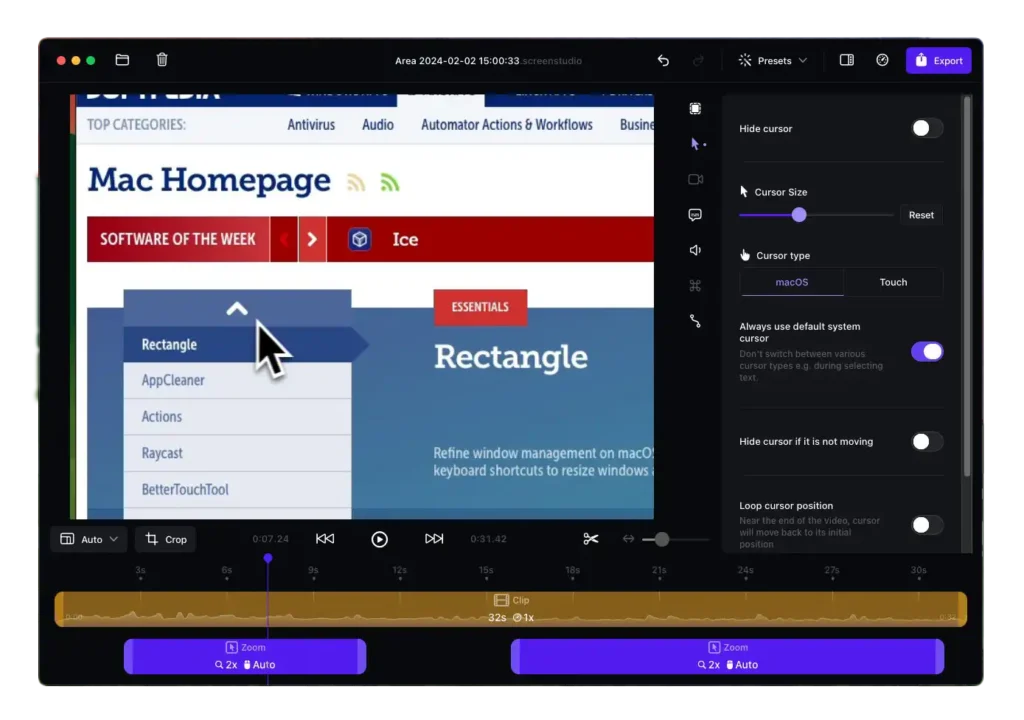
A simple, professional screen recorder that lets you create tutorial videos and polished recordings in minutes without video-editing skills. It produces high-quality screencasts comparable to those made by experienced editors. Thousands use Screen Studio to create videos for social media, YouTube channels and businesses.
Main features:
- Automatic zoom: Focuses on the main actions by zooming in where you interact.
- Vertical export mode: If you export in vertical format, the app adjusts all zooms for an optimal viewing experience.
Screen Studio also makes it easy to add webcam, microphone and system audio, ideal for tutorials, presentations, tips and trick videos.

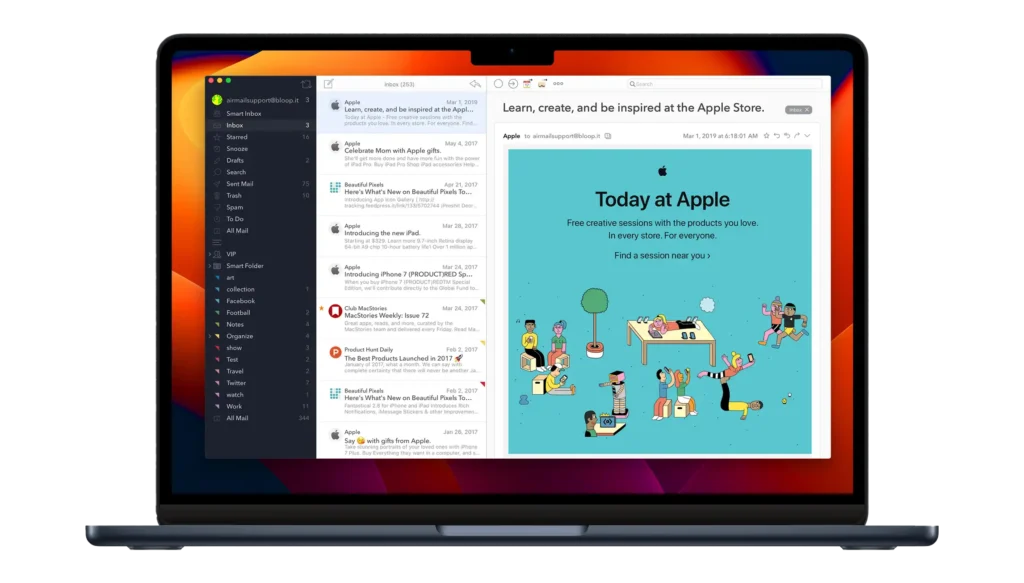
An advanced email client available on macOS, iOS and visionOS. Airmail supports many email services such as iCloud, MS Exchange, Gmail, Google Apps, Outlook.com, AOL, IMAP, POP3 and Yahoo. It is built for performance and a simple interaction model. It provides a fast, modern experience, letting you switch between accounts easily and reply quickly to incoming messages. For anyone who wants an effective, productive paid email client for the 21st century, Airmail is a top choice.