
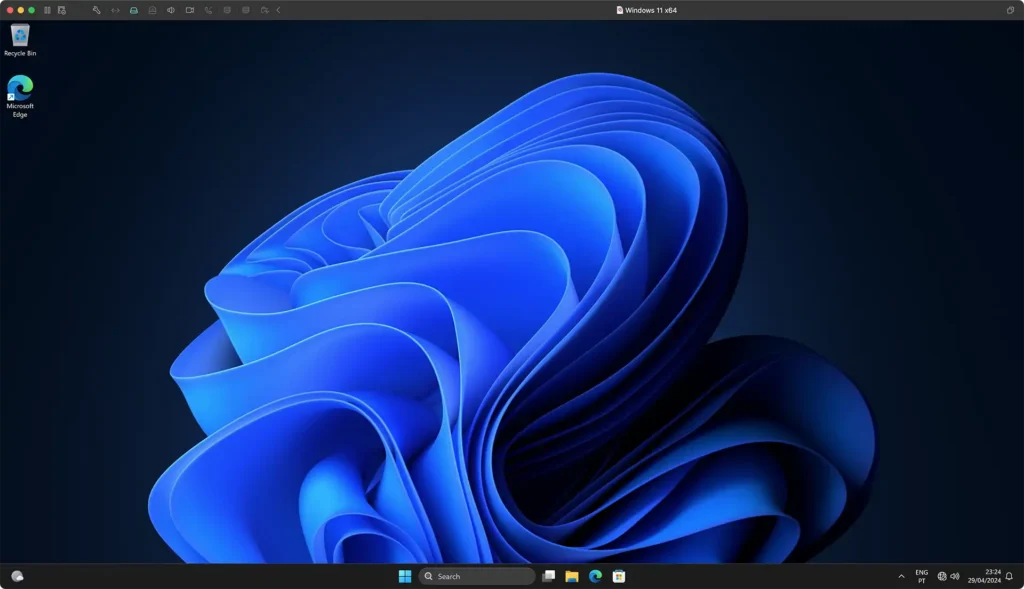
VMware Fusion Pro 13 is a popular virtualization program that allows you to run multiple operating systems on a Mac, including Windows 11. Broadcom, which acquired VMware at the end of 2023, has now released Fusion Pro 13 and Workstation Pro 17 for free use.
What is VMware Fusion Pro 13?
VMware Fusion Pro 13 is software that allows you to create and run virtual machines on a Mac computer. A virtual machine is a separate environment that emulates a complete computer with all its resources, settings, operating system and applications. Fusion Pro 13 lets you run operating systems such as Windows, Linux, Android and others on a Mac without needing to partition the disk or restart the computer.
How to download Fusion Pro 13 for free?
To download VMware Fusion Pro 13 for free, you need to follow a few simple steps:
- Go to Broadcom’s support page and click Register in the upper-right corner. Create an account if you do not already have one.
- Once logged in, you can download Fusion 13 Pro here.
- Choose the option “VMware Fusion 13 Pro for Personal Use.”
- Follow the installation and activation instructions for the software.
What are the advantages of Fusion Pro 13?
Fusion Pro 13 offers several advantages over other virtualization solutions such as Parallels Desktop or VirtualBox. Some of them are:
- Support for running Windows 11 on Macs with Apple Silicon (M1, M2, etc.).
- A simple and intuitive interface that integrates well with macOS.
- Fast and stable performance, with optimizations for graphics, networking, storage and memory.
- Advanced features such as snapshots, clones, encryption, virtual networks, file and folder sharing, and more.
What else do you need to know?
Fusion Pro 13 is free only for personal use, meaning non-commercial, educational or research purposes. If you want to use the software for professional activities, you must purchase a commercial subscription, which can be bought through any “Broadcom Advantage” partner.
You also need a compatible Mac with at least 4 GB of RAM and 750 MB of free disk space. To run Windows 11 on Macs with Apple Silicon, you also need a Windows 11 ARM64 ISO image, which you can obtain through the Windows Insider program.