The menu bar is a place where you can access several useful resources and tools. I will show you five of the best free apps that improve not only how you interact with it, but also your productivity and your Mac’s performance.
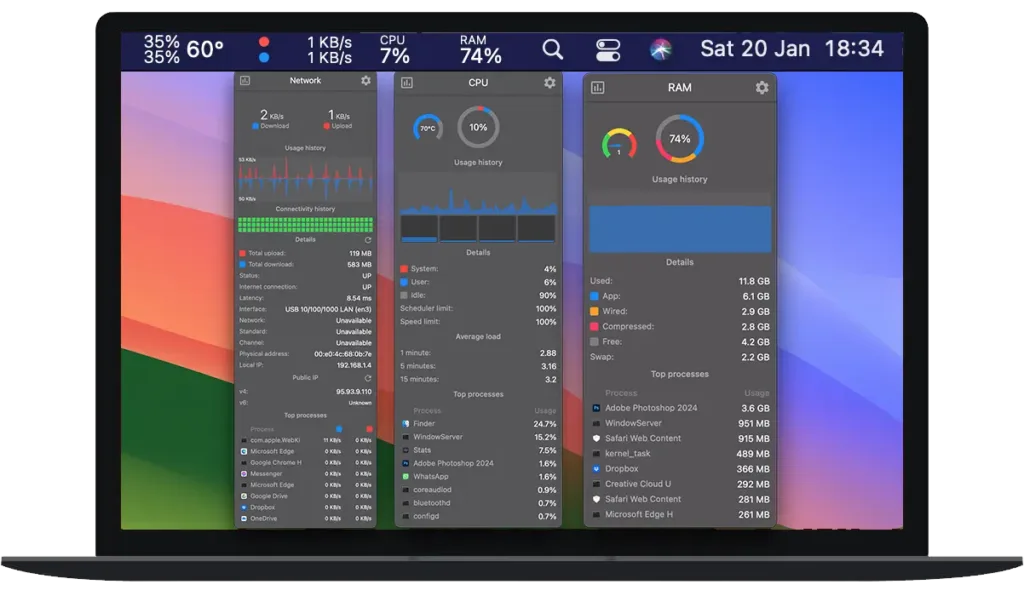
It is a fantastic app that lets you view various system statistics. You can easily track CPU usage, RAM, CPU temperature, network activity, fan speed, disk usage and much more. In addition, when you click the icon of the hardware you want to see, you get a menu with more detailed system statistics.

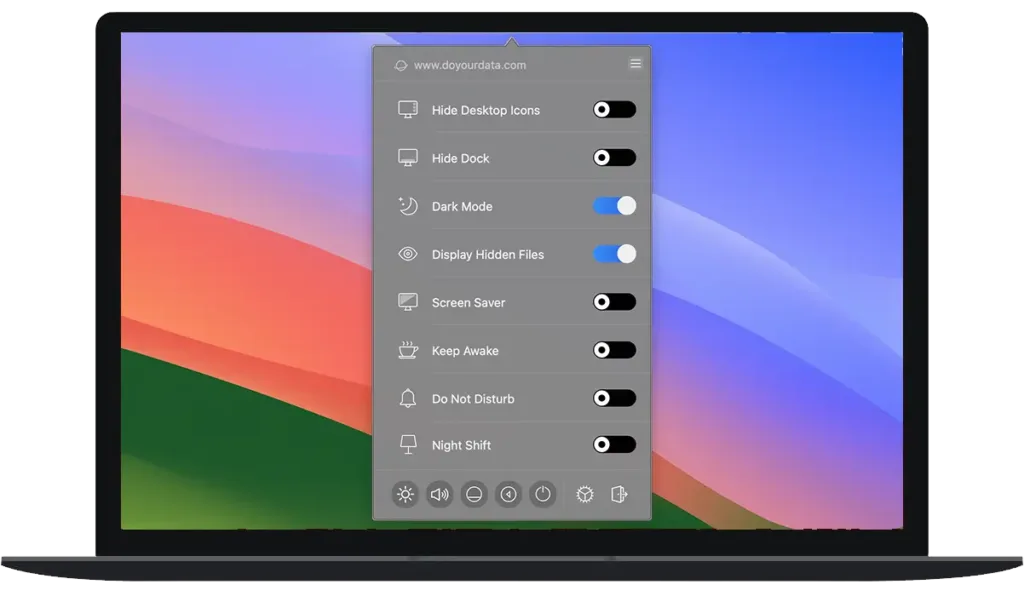
It serves to turn options on and off, such as: hide Desktop icons, hide the Dock, enable dark mode on your Mac, show the Screen Saver, keep the laptop awake without entering Sleep Mode, among other options.

It is an app for when the Wi-Fi connection drops its rate, loses signal or speed; it re-establishes the connection so it does not drop and you do not lose video calls, which are very important nowadays, whether for business or personal use.


It is a lightweight app that allows you to hide menu bar icons, the ones you do not use often or those you cannot remove. This gives a cleaner and more organised look. You can also create keyboard shortcuts to make it easier to use. An excellent alternative to Bartender, which is a paid app.


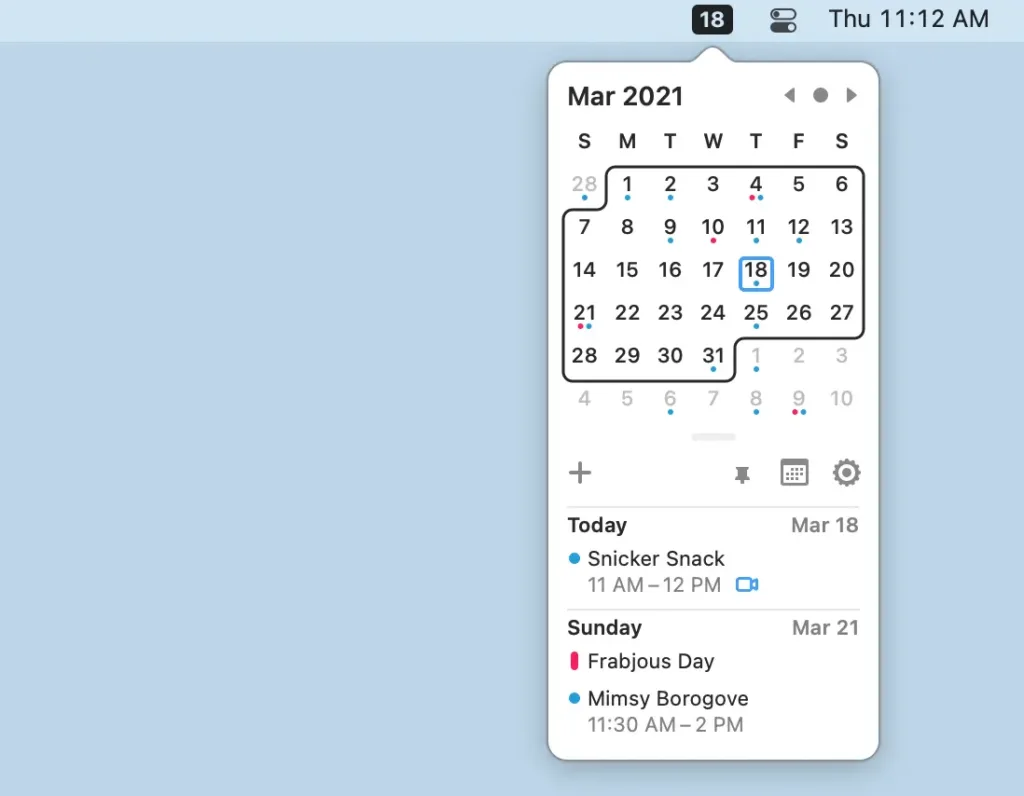
Itsycal adds a small calendar to your menu bar, so you can see dates and events from your native Calendar app quickly and easily. You can sync it with your Google, iCloud or Outlook calendar. It also shows moon phases, holidays and your contacts’ birthdays.