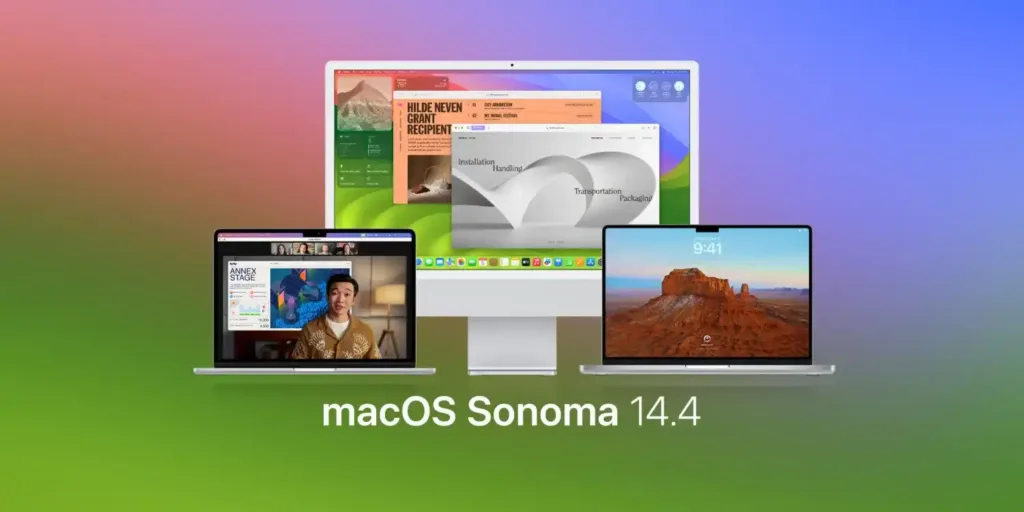
Apple released macOS Sonoma 14.4 the day before yesterday
The fourth significant update to the macOS Sonoma operating system arrives a little over a month after macOS Sonoma 14.3, which introduced collaborative Apple Music playlists.
New emojis
added
The new emojis, which include a mushroom, phoenix, lime, broken chain and nodding/shaking heads, are one of the most notable additions in macOS Sonoma 14.4. There are also now 18 people and body emojis facing the opposite direction, which gives more flexibility when you want to express yourself.
Along with iPadOS 17.4, which was also released the day before yesterday, the new emojis were already available in iOS 17.4. They follow the standards set by the Unicode Consortium, which oversees emojis and other universal characters.
In macOS Sonoma, open the virtual keyboard and click the “emoji” icon in the menu bar to access the new emojis. To find the emoji you want to use, you can search by keyword or browse through the categories.
Other improvements and bug fixes
In addition to the new emojis, macOS Sonoma 14.4 includes other improvements and bug fixes for the Mac. For example, you can now read full episode text in the Podcasts app, search by words or phrases, click to start playback from a specific point and use accessibility features such as VoiceOver, Text Size and Increase Contrast.
The new Business Updates feature in the Messages app lets you receive only the updates you chose to get, such as order status, flight alerts, fraud warnings or other transaction notifications from trusted businesses.
Safari can now show only site icons in the Favorites Bar, which simplifies the interface.
These are just some of the improvements that macOS Sonoma 14.4 brings, along with other minor enhancements and bug fixes. You can visit Apple’s support site at: https://support.apple.com/kb/HT201222 for the full list.