
With the launch of iOS 18, Apple introduced a dedicated passwords app, “Passwords”, which represents a major step forward in simplifying password management. The goal of this new app is to change how we interact with our digital credentials, making the process easier and more secure.
When you update to iOS 18, iPadOS 18 or macOS Sequoia, the Passwords app is installed automatically. With a simple design and a search bar at the top, accessing your information is quick and easy. After authenticating with Face ID or Touch ID, all your saved passwords are immediately available if you already used the iCloud Keychain feature.
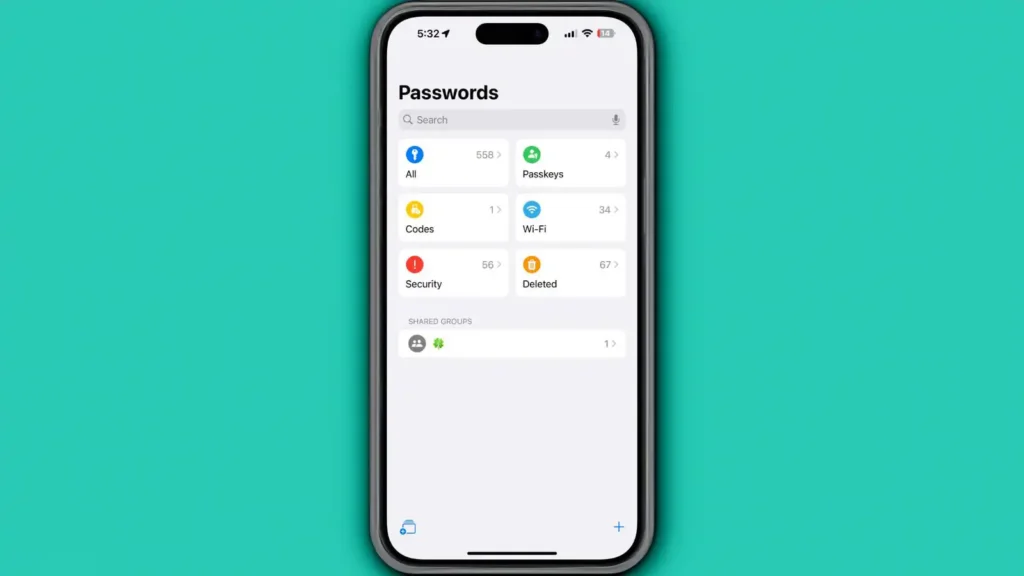
Improved organization and security
The app offers several distinct sections for passwords and logins, passkeys, two-factor authentication codes, Wi-Fi passwords, security alerts, and deleted logins. You can view the login and password by tapping an entry, and change information such as website or app name, username, verification code, and notes.
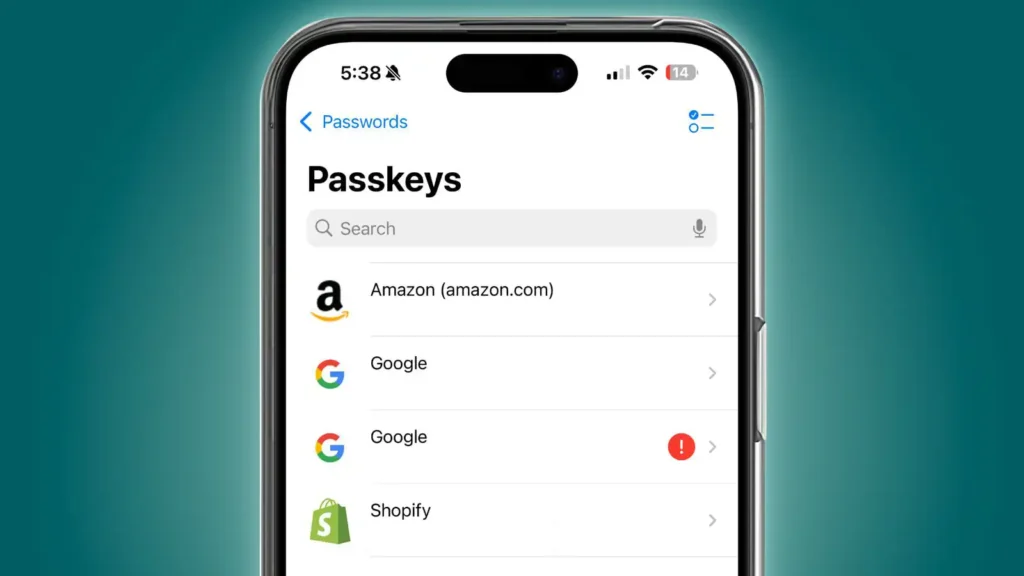
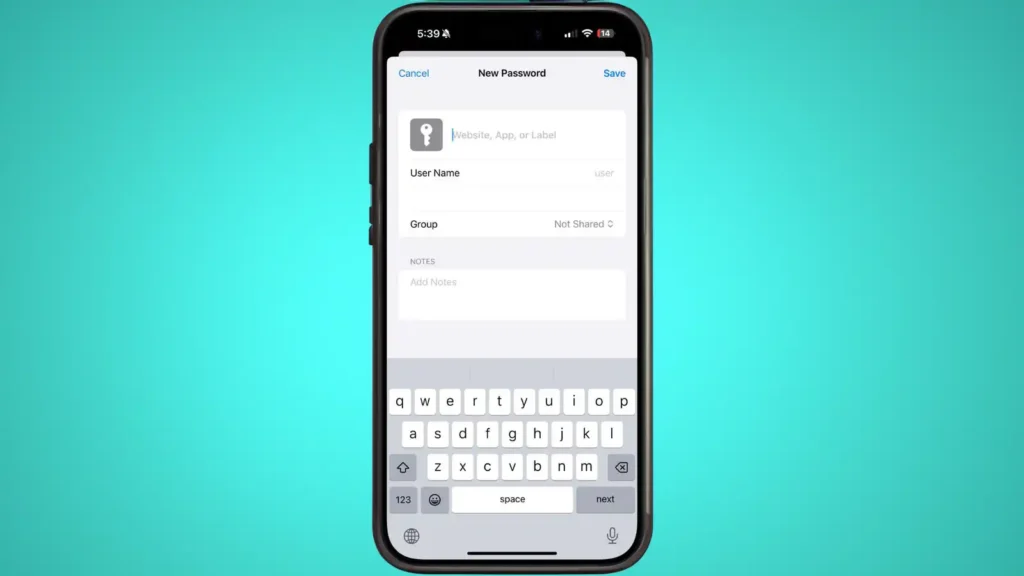
Tap the “+” button in the main interface to enter a new login or password. You only need to enter your username and website name, and the Passwords app will generate a strong password for you. If you want to change a password, just tap Edit and select the “Change Password” option. This will take you to the website associated with that login, where you can start the password change process.
The Passwords app, added in iOS 18, is a powerful tool that makes managing online credentials easier and more secure. We can expect the user experience to keep improving with Apple’s help, making digital browsing safer, where before we relied on Keychain or a third-party app to manage passwords.