The iPhone has become a powerful tool for recording and editing video, thanks to the wide range of apps available on the App Store. Here are some of the best options for anyone who wants to raise the quality of their productions in 2025.
Did you know there are apps that can make your video experience on the iPhone even better?
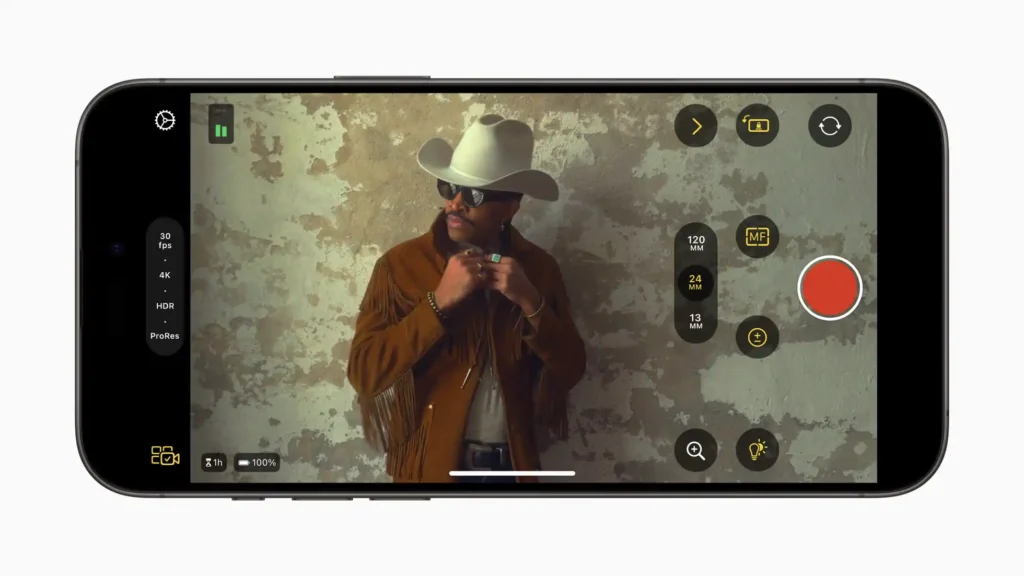
Released by Apple, this free app offers professional features such as white balance adjustment, manual focus, ISO and shutter speed. Although it was initially designed as a companion tool for the iPad, it works perfectly on the iPhone as a standalone app. It requires iOS 17.6 or later.

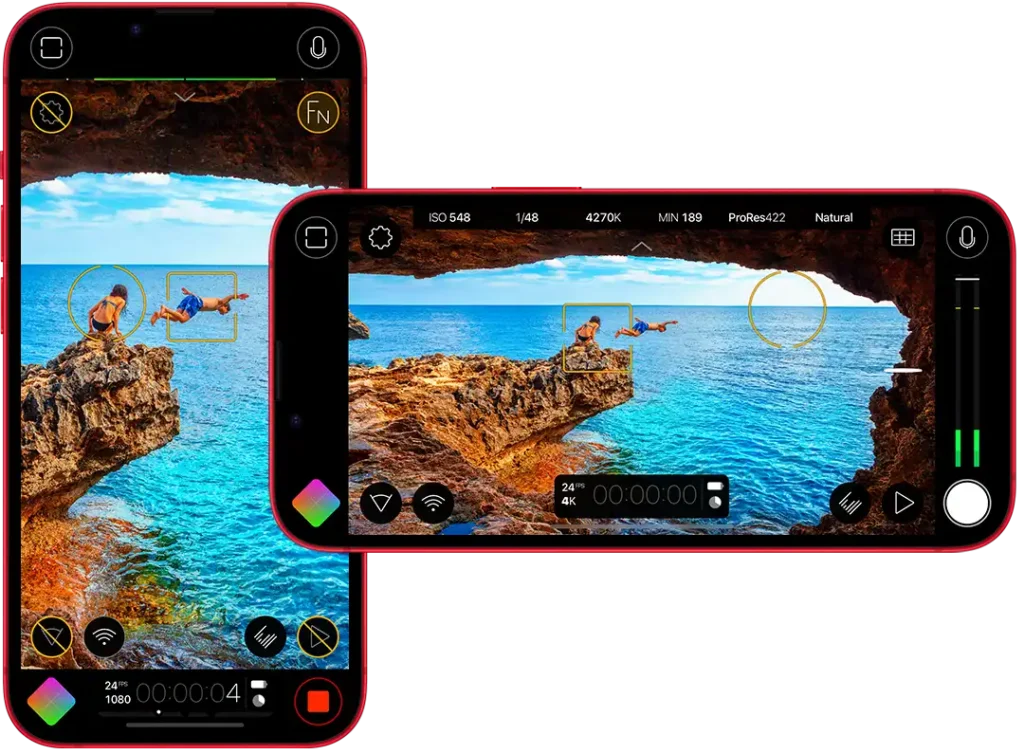
Considered one of the main choices for professionals, FiLMiC Pro offers extensive manual controls, allowing precise adjustments of focus, exposure, ISO, frame rate and zoom. It also provides colour profiles, HDR modes, ProRes codecs and various resolutions. The app is free, but requires a paid subscription to unlock all features. It requires iPhones running iOS 14.1.
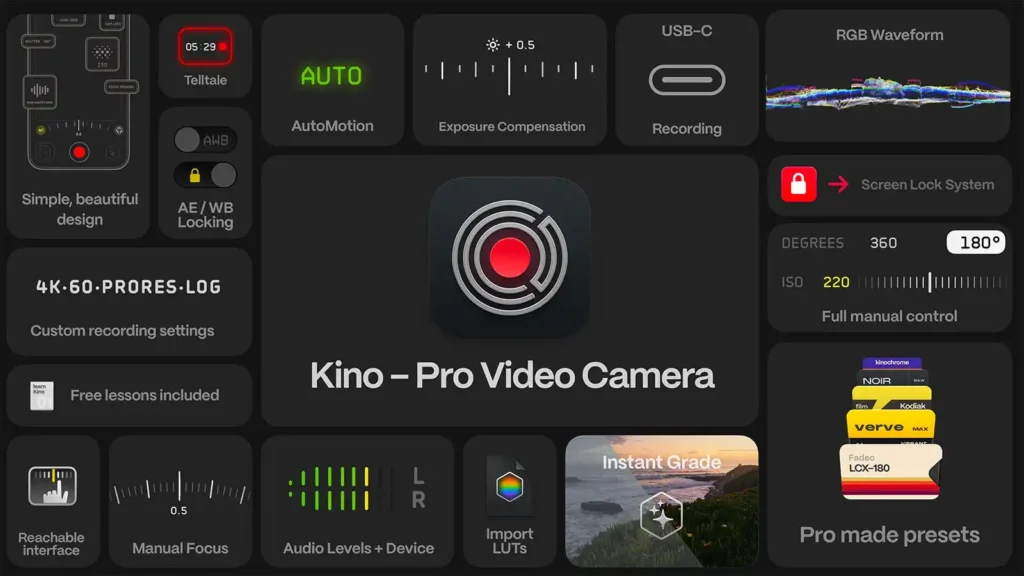
Developed by the creators of Halide, Kino combines an intuitive interface with professional tools. It allows you to add cinematic effects to videos through built-in LUTs and offers automatic and manual modes to configure parameters. Available as a one-time purchase, with no subscription required. It requires iPhones running iOS 17.0 and is available in Portuguese.

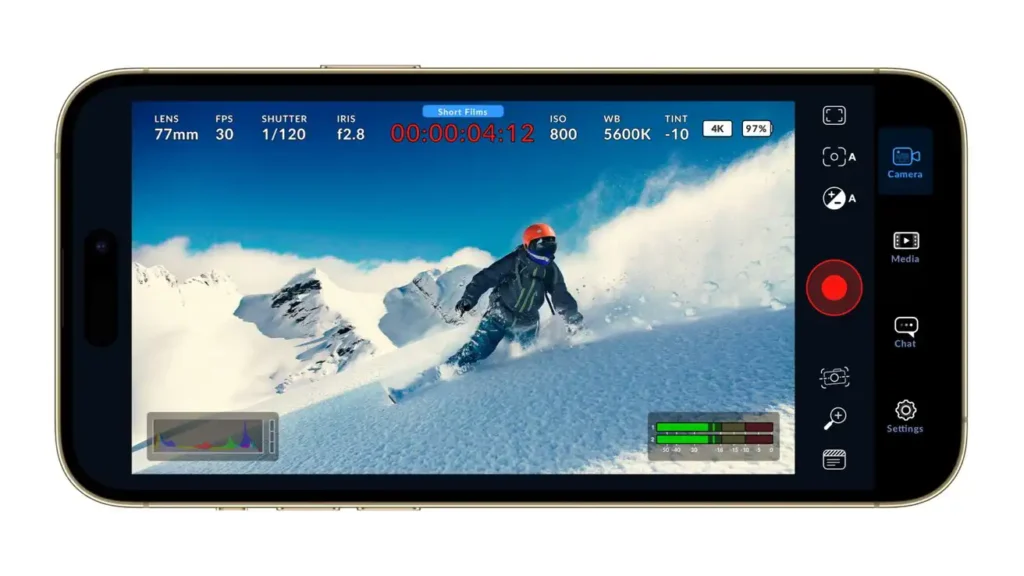
Developed by the company behind DaVinci Resolve, this app offers a professional interface with detailed manual controls and supports recording in various formats and resolutions. It is an excellent option for those who want cinematic quality in their footage. It requires iPhones running iOS 16.6 or later.

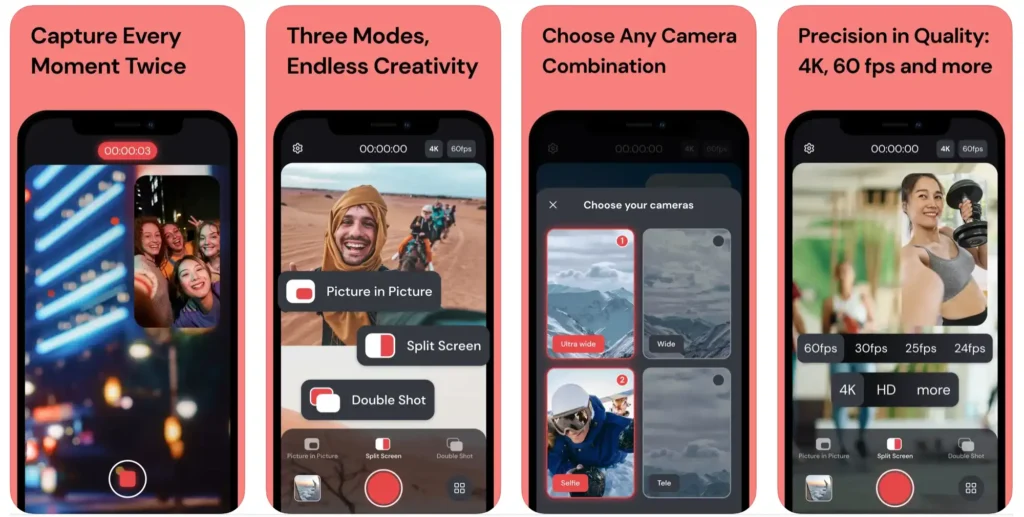
Ideal for capturing multiple perspectives simultaneously, it allows recording with two iPhone cameras at the same time. It is especially useful for interviews and vlogs, offering a dynamic and versatile recording experience. To record with two cameras simultaneously it requires an iPhone 11 Pro Max, 11 Pro, 11, XS Max, XS or XR with iOS 13.0 or later.

Focused on simplicity and efficiency, it offers basic recording tools with a clean and intuitive interface. It is a great option for those who want a recording app without complexity but with quality. It requires iOS 10.0 or later.
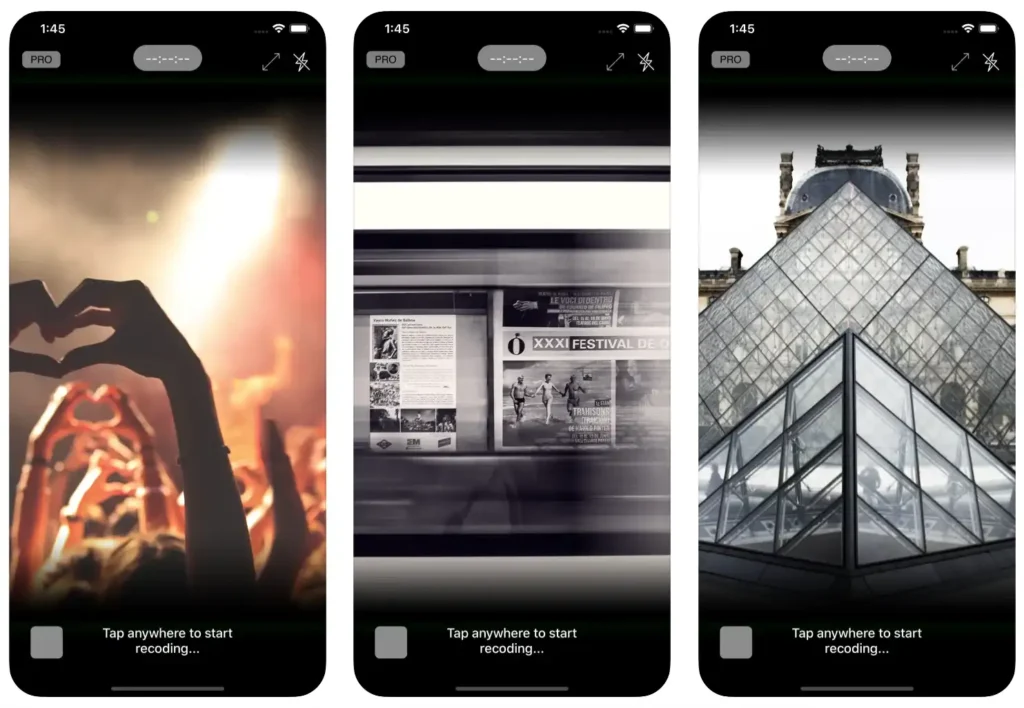

Apple’s free video editing app, iMovie, offers a user-friendly interface with enough features for simple projects. Ideal for beginners, it lets you create trailers and add transitions and basic effects with ease. It requires iPhones running iOS 17.6 or later.
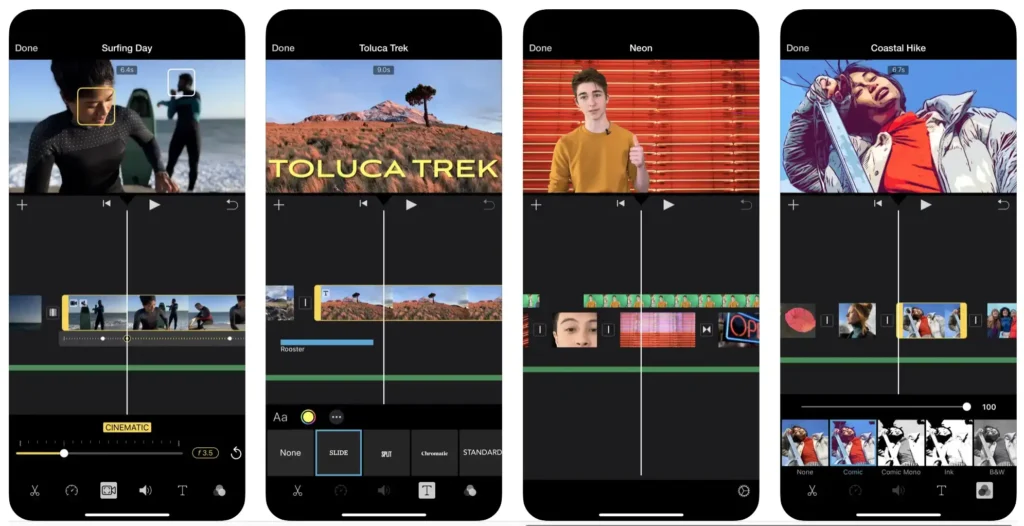

For video editing, LumaFusion stands out as one of the best options on iOS. It offers multiple video and audio tracks, advanced effects, colour correction and support for various resolutions and frame rates. It is a powerful tool for editors who want mobility without compromising features. It requires iPhones running iOS 17.6 or later.
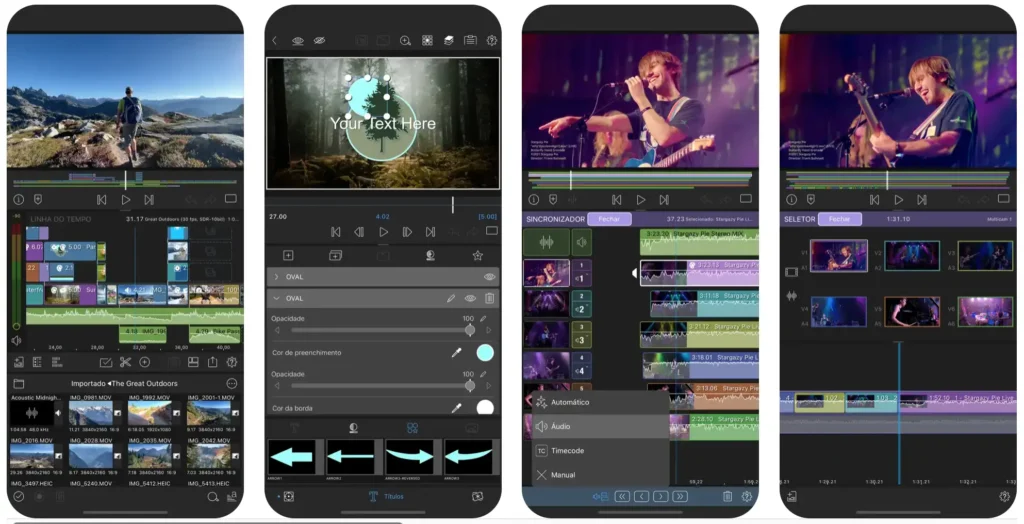

Filmora is a video editing app that combines ease of use with advanced features. It offers a wide range of effects, transitions and export options, plus an intuitive interface that makes it easy to create impressive videos. It requires iPhones running iOS 12.0 or later.
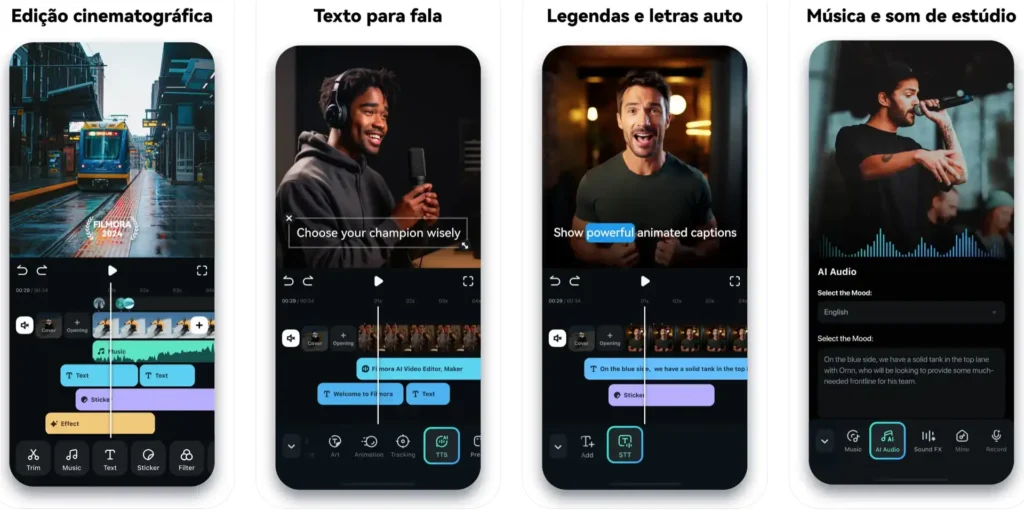

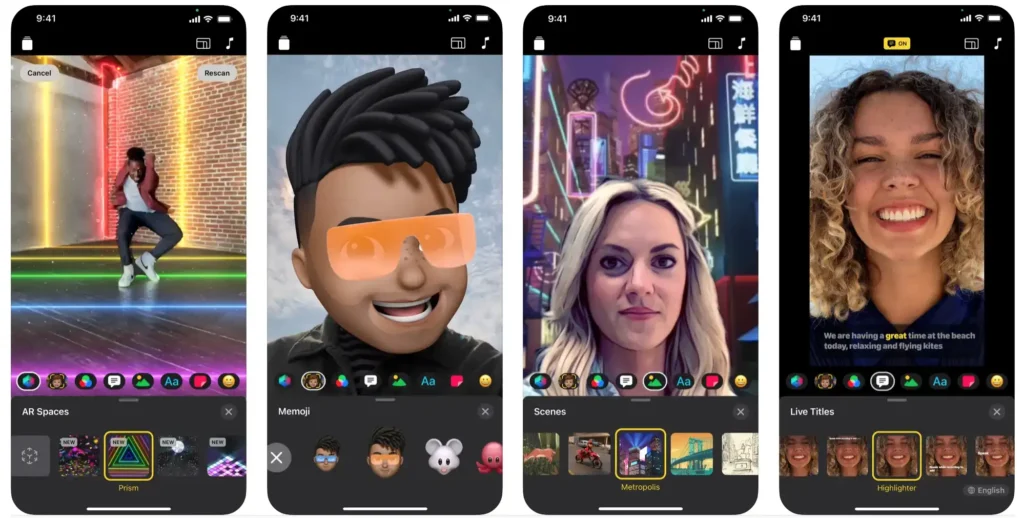
Allows you to quickly create videos with a variety of templates and effects. It is ideal for creating short, dynamic videos, especially for sharing on social media. It requires iPhones running at least iOS 11.1.

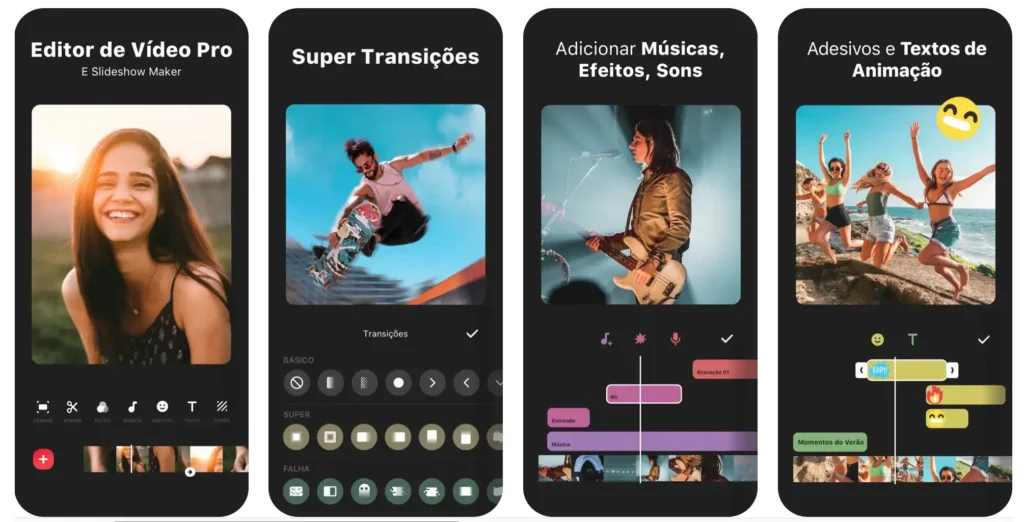
InShot is one of the most popular and user-friendly video editing apps. It offers a variety of editing tools, including trimming, filters, sound effects and subtitles. It also supports exporting videos in high resolution, making it a great option for creating videos for social networks. It requires iOS 12.0 or later.
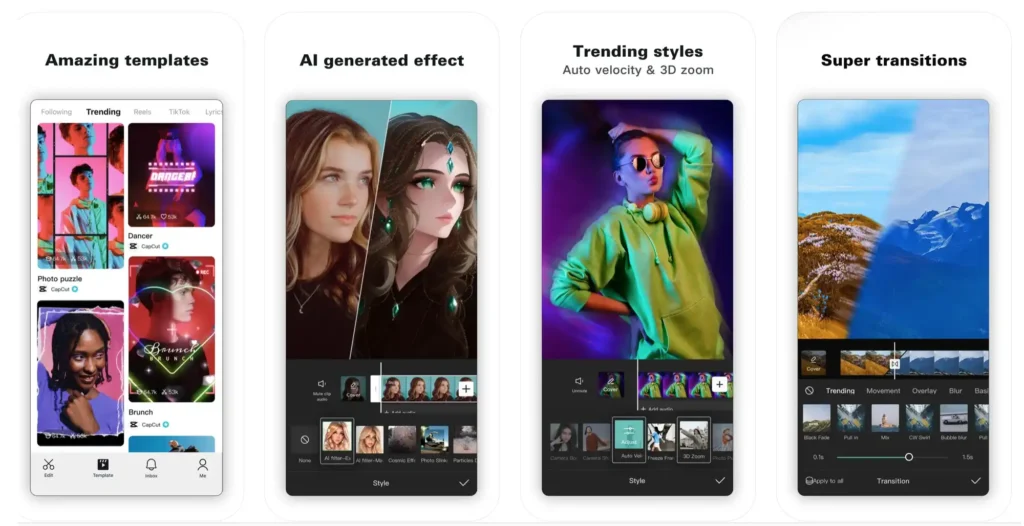
CapCut is a free app that offers a variety of editing tools, including cutting, text addition, transitions and sound effects. It also allows you to remove watermarks on exported videos, making it a popular option among content creators. It requires iPhones running iOS 12.0 or later.

This is a simplified version of Premiere Pro, designed specifically for mobile devices. It offers advanced editing tools, including colour correction, visual effects and support for multiple export formats. Premiere Rush is ideal for those who need a professional, portable solution. It requires iOS 14.0 or later.
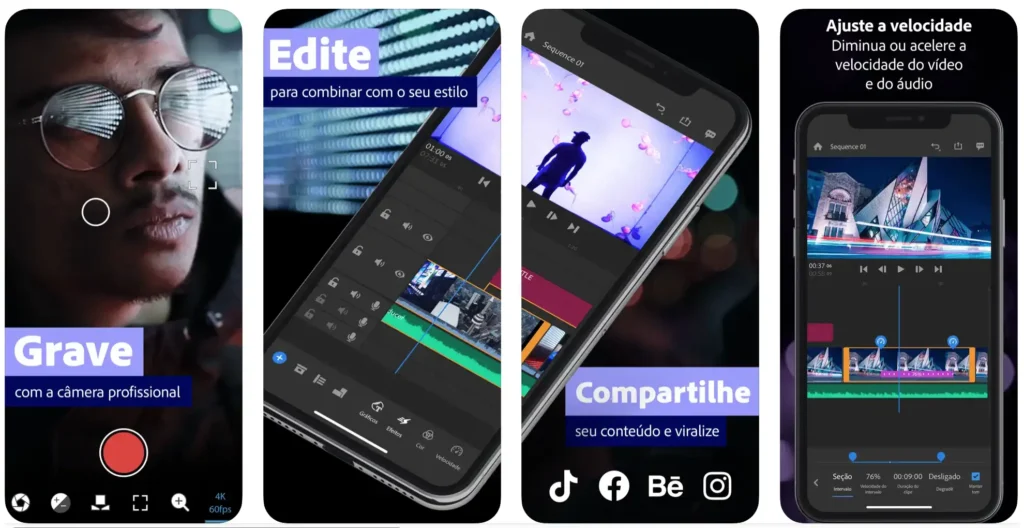

KineMaster is a powerful video editing app that offers a non-linear timeline, layer support and a wide range of effects and transitions. It is ideal for users who want to create complex, professional videos directly on their iPhone. It requires iPhones running iOS 16.4 or later.

There are many apps for recording and editing video on the iPhone. The best option depends on your needs and your budget. If you are looking for something professional with many features, FiLMiC Pro or LumaFusion end up being great options. If you want a simpler and easier-to-use app, Kino or iMovie are good choices. I sincerely hope this article has been helpful.