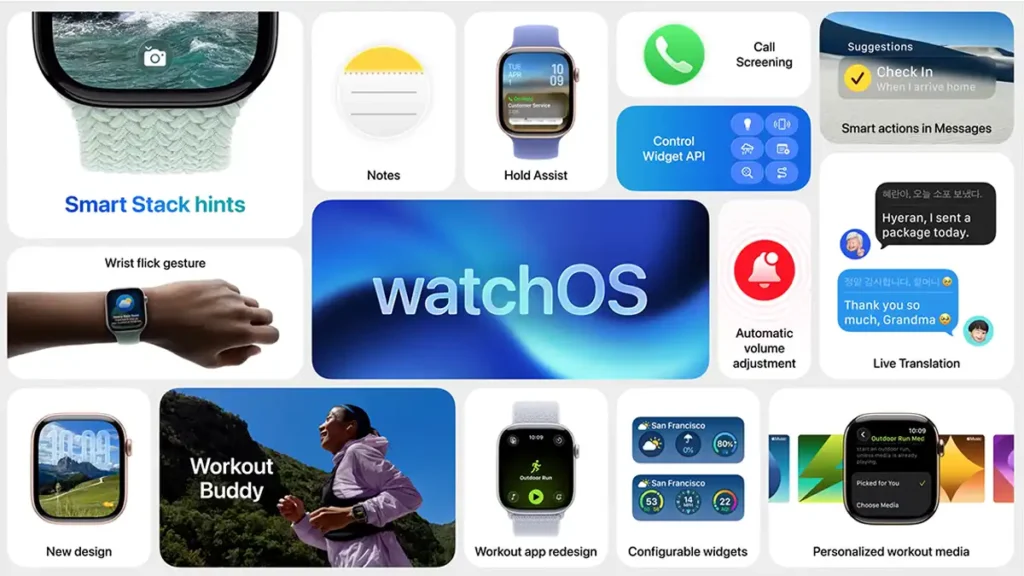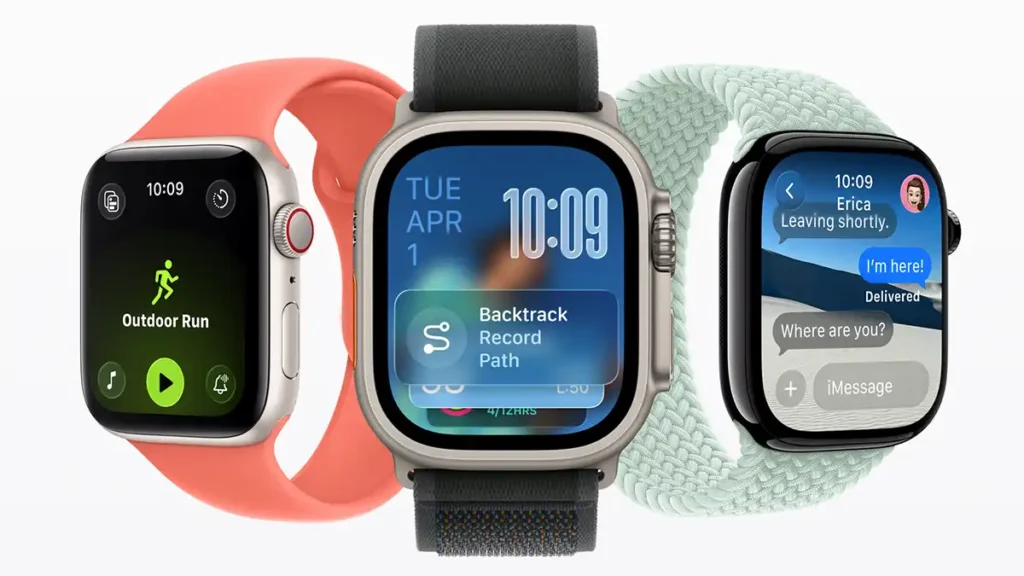
Apple officially introduced watchOS 26 at WWDC 2025, revealing an Apple Watch operating system with a completely refreshed look and smarter features than ever. With the new “Liquid Glass” design and the integration of Apple Intelligence technology, this update aims to offer a more personalised experience while keeping users active, healthy and connected. In this article, we will look in detail at the main new features of watchOS 26, from the transformed aesthetics to the new AI-powered fitness tools, and how these improvements make the Apple Watch an even more valuable tool in everyday life.
Liquid Glass design: refreshed and dynamic look
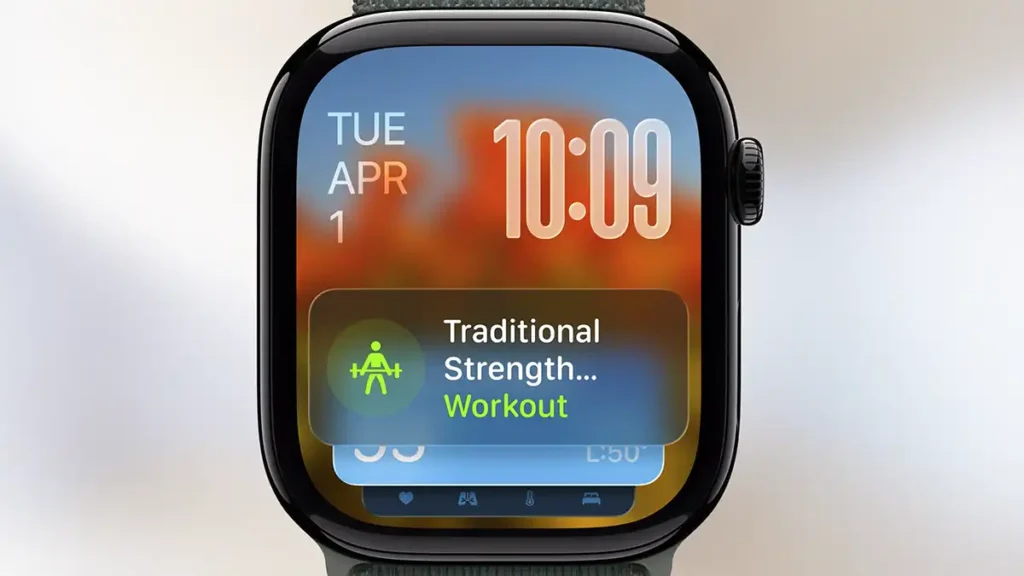
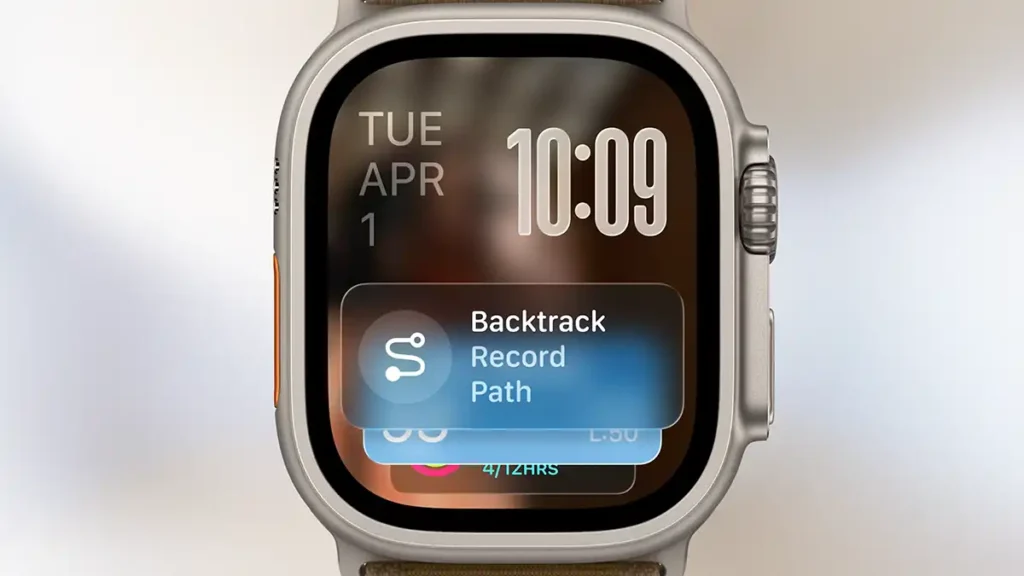
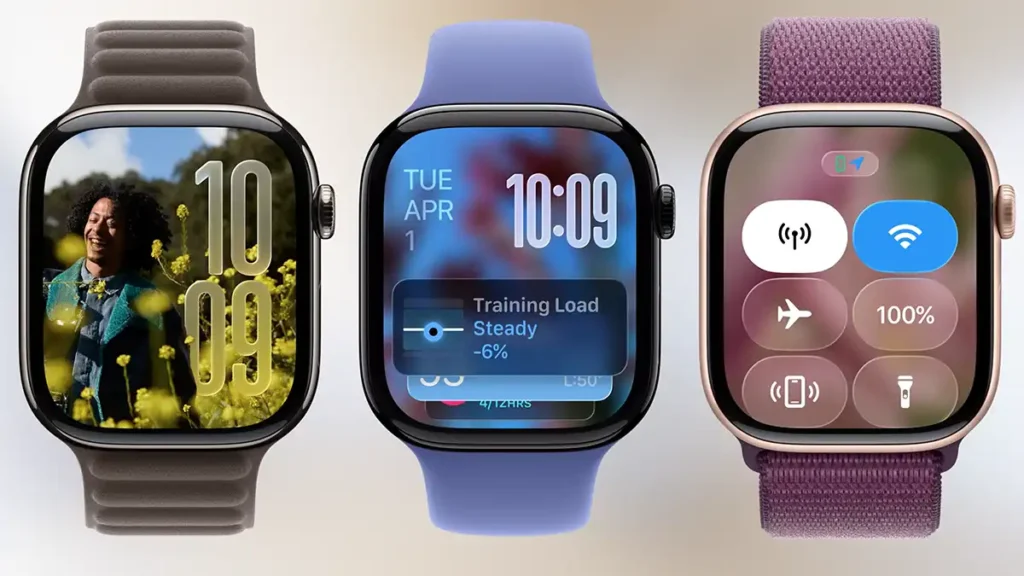
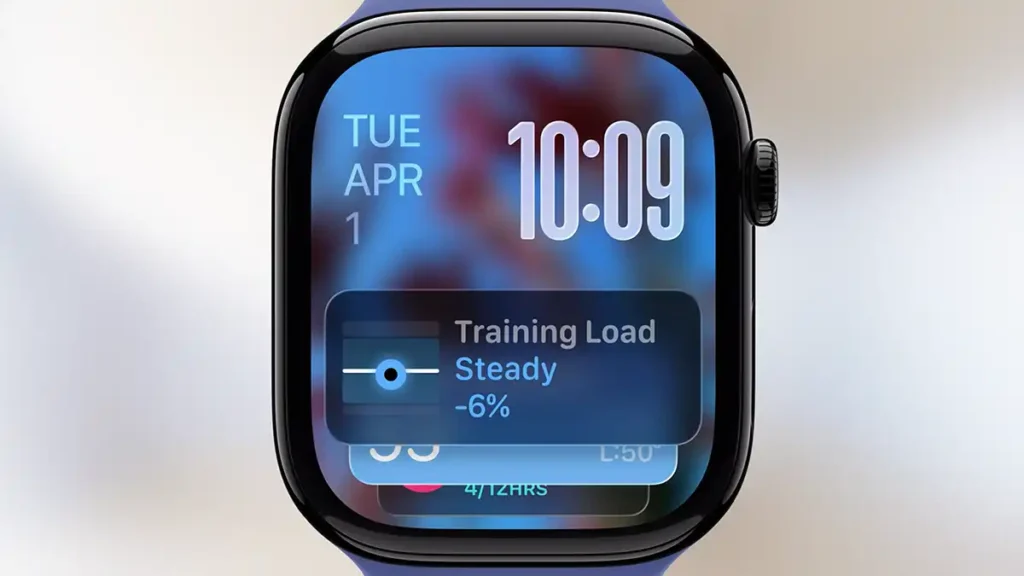
watchOS 26 debuts a completely new design language called Liquid Glass, which gives the Apple Watch a fresh yet familiar appearance. This look uses real-time rendering to create translucent interface elements that reflect and refract content, adding depth and liveliness to menus and watch faces. System components such as the Smart Stack (widgets), Control Center, notifications and in-app navigation adopt this more expressive new style without sacrificing the usability users are already used to.
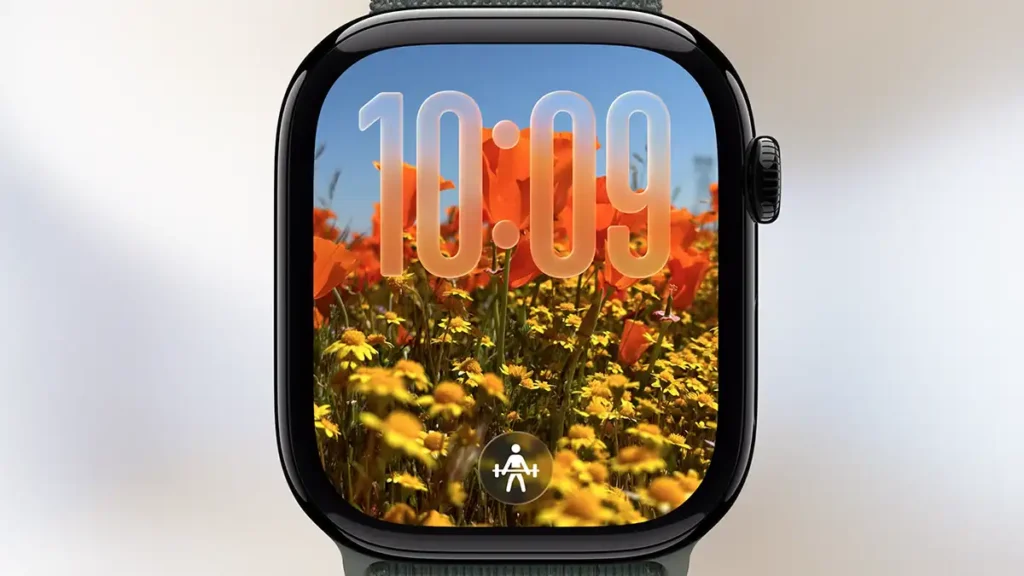
A clear example of this visual overhaul is the popular Photos watch face. In this version, the clock numbers appear drawn in translucent glass, making the background photo more visible. The result is that users’ favourite images stand out more and the watch face becomes more personalised and elegant, taking advantage of the optical properties of Liquid Glass to create unique light and transparency effects.
Workout Buddy: smart motivation for workouts
Another big new feature in watchOS 26 is Workout Buddy, an intelligent workout “companion.” It is a fitness assistant powered by Apple Intelligence that analyses each user’s activity data and performance history, generating personalised verbal encouragement during exercise. In other words, the Apple Watch now gives real-time feedback: for example, when starting a run, the watch can play a motivational message such as “18 minutes left to close your Exercise ring” for that day, helping the user reach their goals.
Throughout the workout, Workout Buddy marks key moments like splits or new personal records and reports the user’s achievements (for example, indicating when the total distance run in the year surpasses an important milestone). At the end, this virtual assistant summarises the session’s results and congratulates the user on goals reached, mentioning stats such as distance, average pace and heart rate for the activity. All of this comes through a text-to-speech voice with intonation similar to an Apple Fitness+ trainer, giving the messages a more human and motivating tone.
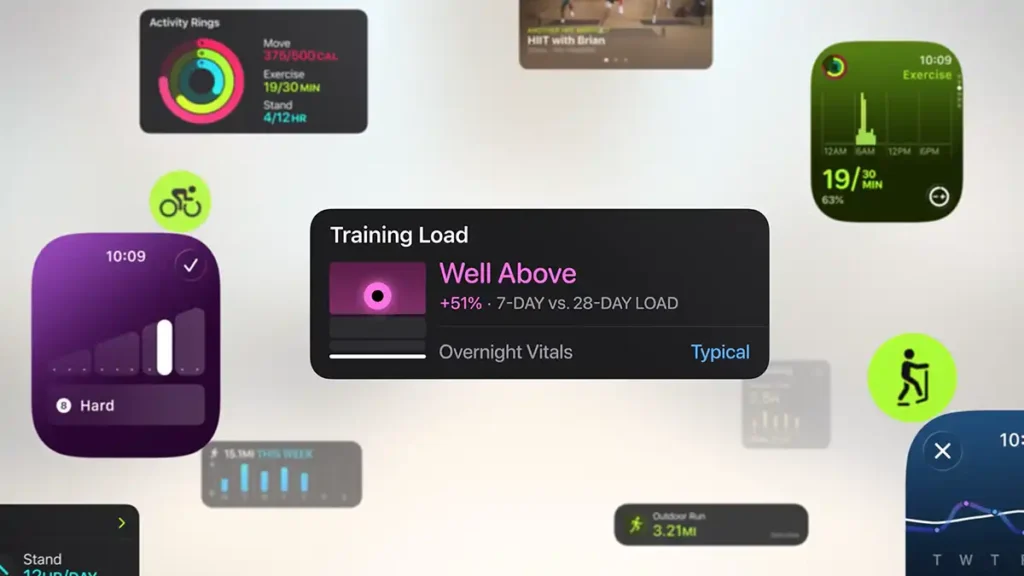
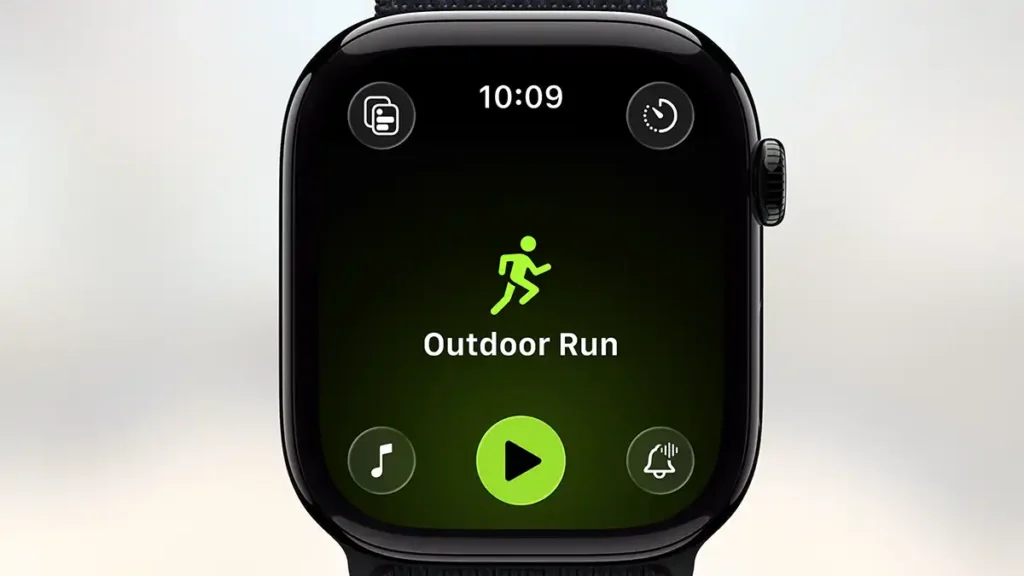
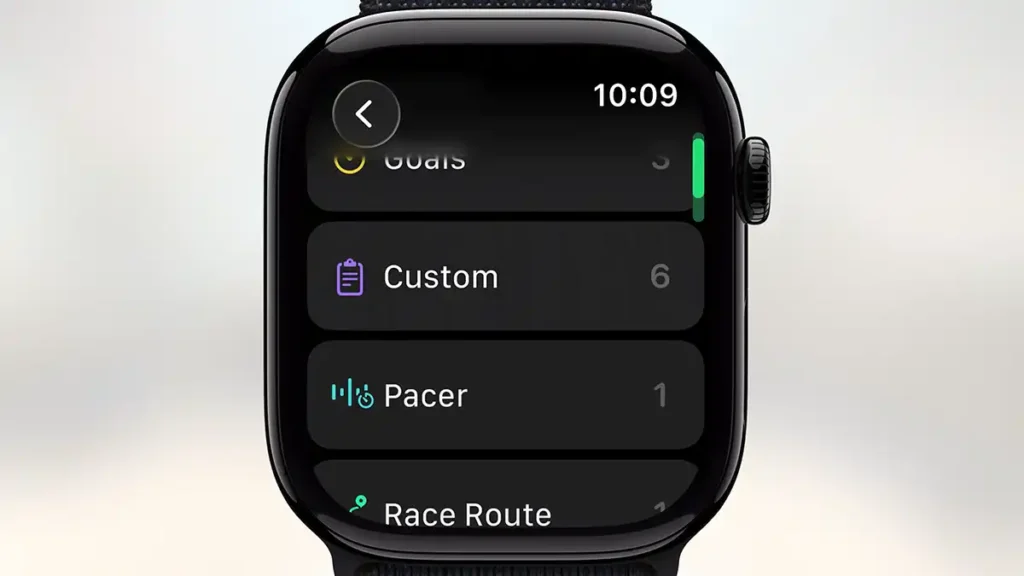
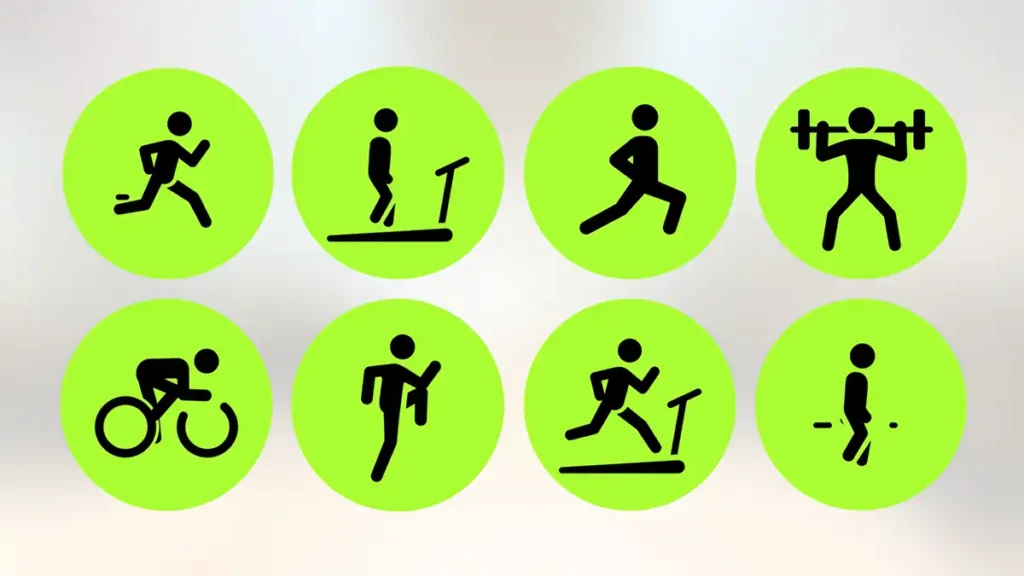
Beyond Workout Buddy, the Workout app itself has been improved. watchOS 26 brings a redesigned interface for the exercise app, including four shortcut buttons in the corners of the screen for quick access to features such as workout views, custom workouts, Pacer and running routes. It also becomes easier to listen to music or podcasts during workouts, the Apple Watch can now automatically start a playlist or podcast as soon as the workout begins, choosing tracks suited to the type of exercise and the user’s tastes (based on Apple Music and listening habits). These improvements make workouts more engaging and personalised, encouraging users to stay active.
Improvements to the Messages app
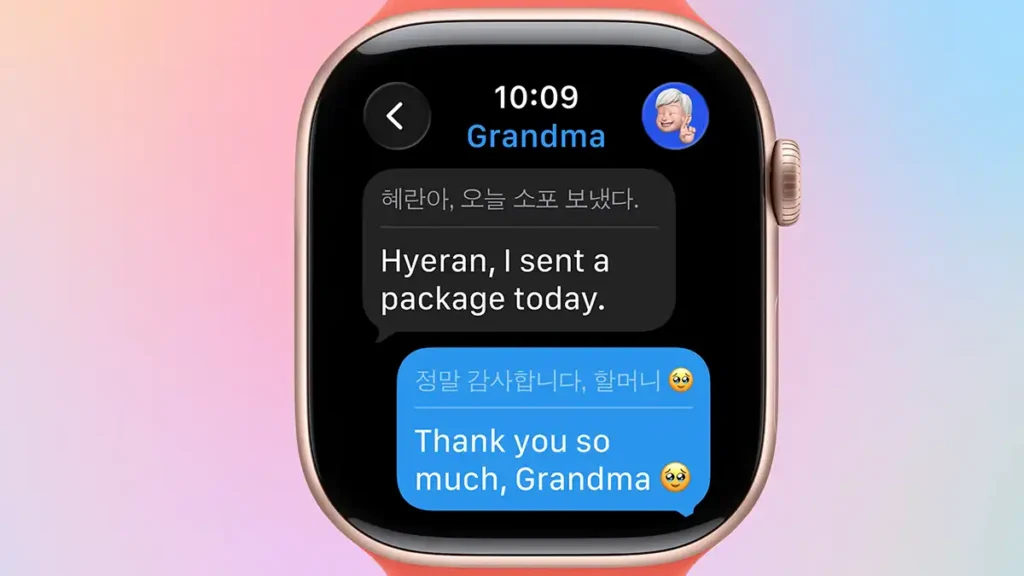
Communication on Apple Watch also became easier and smarter in watchOS 26. The Messages app now supports live translation of text, messages received in another language can be automatically translated, in real time, into the user’s preferred language directly on the watch. Likewise, when replying, the user can send the text already translated into the recipient’s language, all without needing to pick up the iPhone.
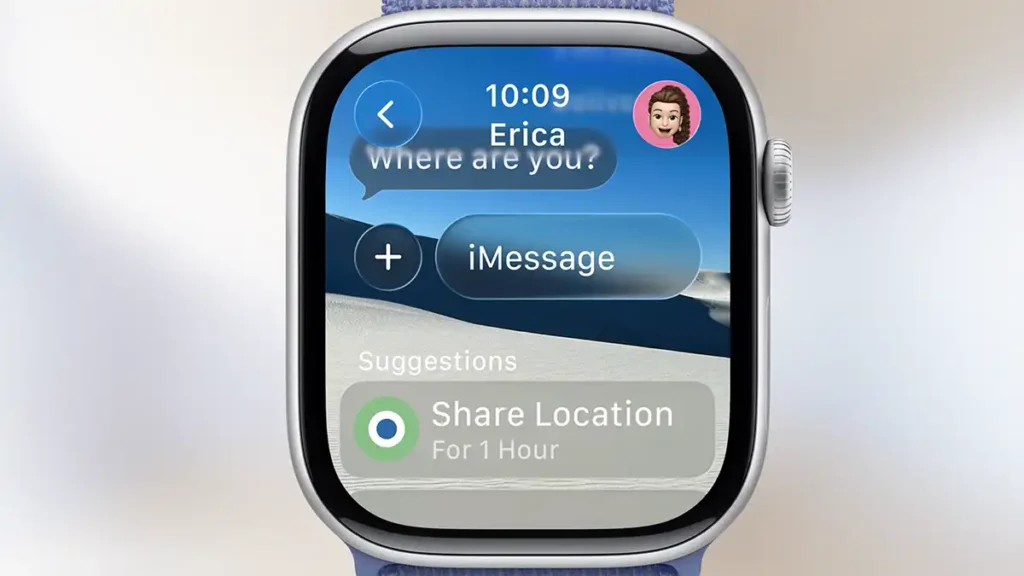
On top of that, the system now suggests contextual actions in conversations. For example, if a friend says “let me know when you get home,” the watch will recommend using Check In (from iOS) to notify your arrival; if someone mentions splitting a group bill, watchOS immediately suggests sending money via Apple Cash, streamlining the process.
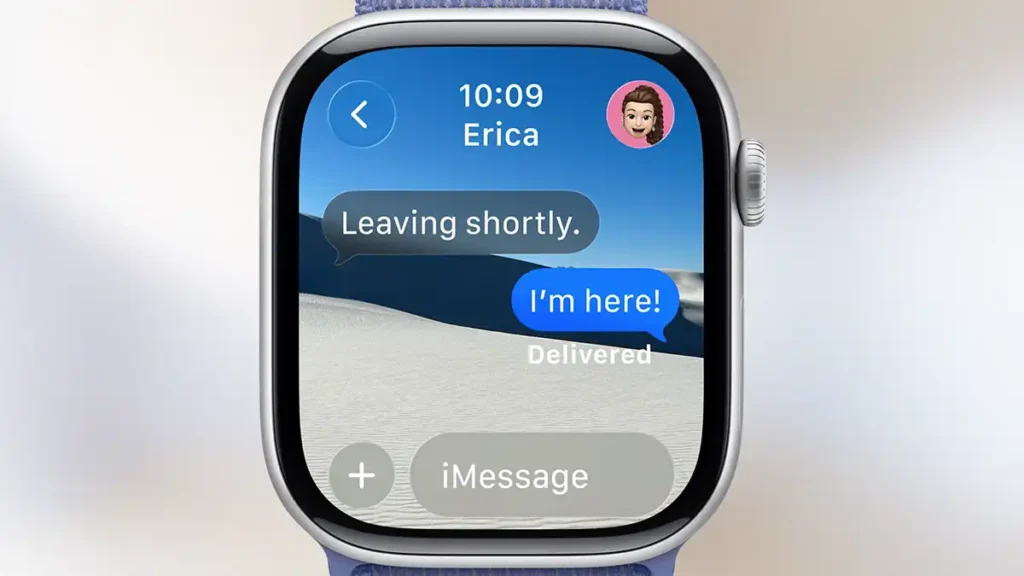
Another fun and customisable addition is chat backgrounds: the personalised background images the user sets on the iPhone for certain contacts now also appear on the Apple Watch, making each chat visually distinct and more personal. With these enhancements, the Apple Watch comes even closer to the iMessage experience on the iPhone, allowing you to follow conversations, translations and interactions conveniently from your wrist.
Improved gestures and convenience
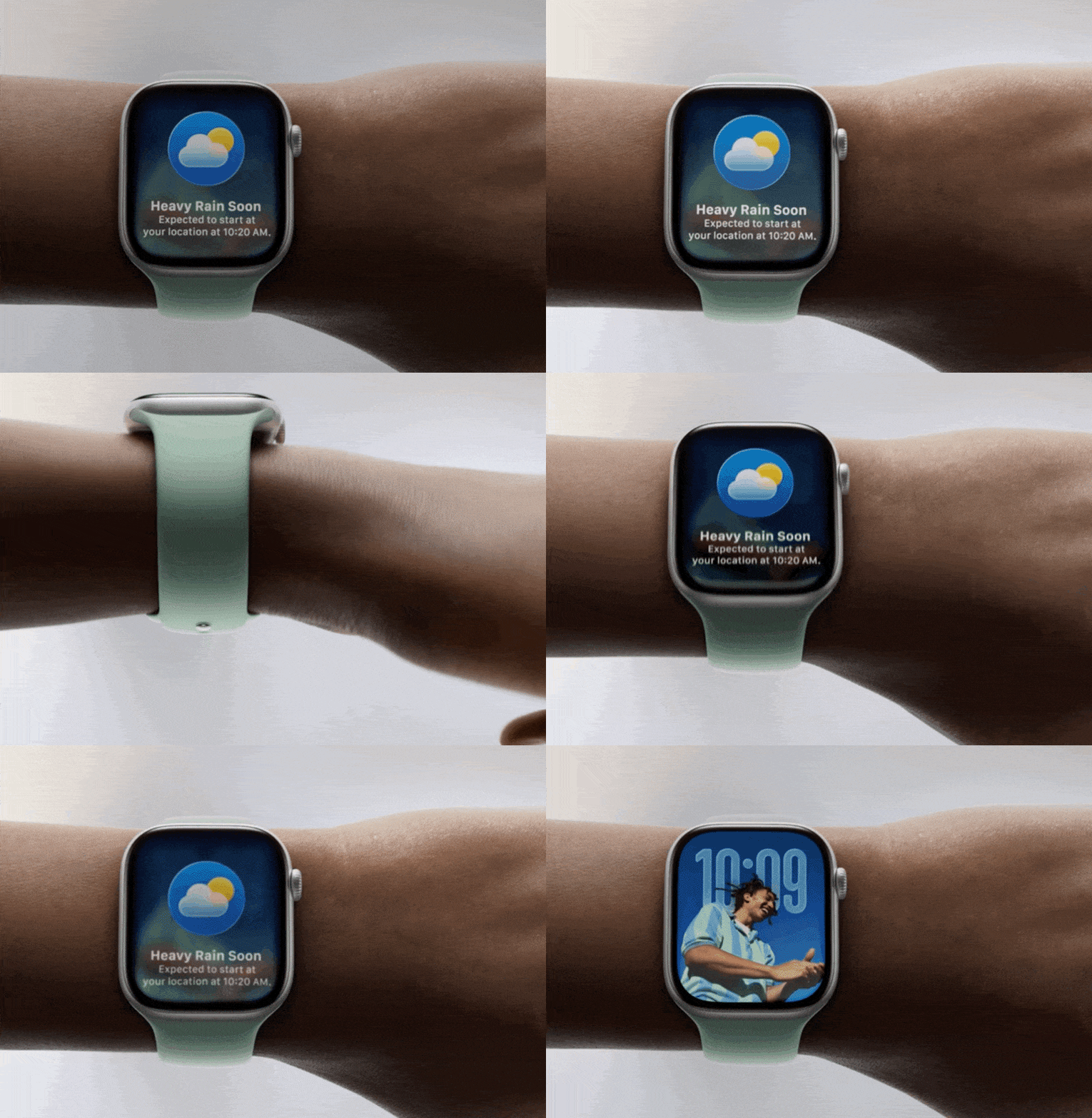
Handling notifications is now more practical on Apple Watch. watchOS 26 introduces a wrist gesture that lets you dismiss alerts with one hand. When you raise your arm to glance at a notification, you just make a quick twisting motion with your wrist (turn and return) to close it immediately, without needing to touch the screen with the other hand. This intuitive gesture works on recent models (Series 9, Series 10 and Ultra 2) and helps save time when dealing with notifications, alarms or timers while you are on the move.
Another convenience improvement is automatic adjustment of speaker volume according to ambient noise. The Apple Watch can now regulate the volume of audible notifications, calls and even Siri’s responses depending on the surrounding sound. For example, in a quiet environment the watch lowers the volume to avoid disturbing people nearby, while in a noisy place it raises the volume so the user can clearly hear the alert. All this happens dynamically, letting the user stay connected and informed without worrying about manually adjusting sound settings.
Other watchOS 26 highlights
- Notes app on your wrist: watchOS 26 finally brings the Notes app to Apple Watch, allowing users to access and edit notes directly on the wrist. Users can pin important notes, unlock locked notes, tick off checklist items and create new notes via Siri, dictation or even with a small on-screen keyboard on the watch.
- Call features – Hold Assist and Call Screening: the Phone app gains two useful features. With Hold Assist, the watch alerts you when a call on hold (in an automated service) is finally answered by a human agent, so you can return to the call at just the right moment. Call Screening performs triage on calls from unknown numbers, asking the caller to state their name and reason before the watch actually rings, so the user can decide whether to answer or decline based on that information.
- Hearing accessibility: Apple Watch now includes Live Listen controls directly on the watch, including real-time captions of the sound captured by the paired iPhone. In practice, the watch can act as a remote control to start or stop Live Listen sessions on the iPhone, helping deaf or hard-of-hearing users follow conversations and environmental sounds more easily by reading the transcription on their wrist.
- Smarter Photos watch face: the Photos watch face can now automatically rotate through featured images from the user’s library. So whenever the user raises their wrist or taps the screen, they see a different favourite photo (selected from the “Highlights” in the Photos app), recalling special moments with each glance. As a bonus, the numerals on this watch face also adopt the Liquid Glass effect, making the design even more immersive and attractive.
- Revamped watch face gallery: it is now easier to explore and discover new watch faces. The face gallery, both on Apple Watch and in the Watch app on iPhone, has been reorganised, with faces grouped into themed collections such as astronomy, chronographs, activity and more. This helps users quickly find a face that matches their taste or a specific occasion.
Conclusion
In summary, watchOS 26 is one of the most significant updates ever for Apple Watch software. By combining an innovative design with powerful AI-driven features, Apple makes the watch even more useful and personalised in daily life, whether you want extra motivation for your workouts, to follow messages in multiple languages or simply enjoy a richer, more interactive watch face.
Originally introduced at WWDC 2025, watchOS 26 will be available as a free update in fall 2025, compatible with Apple Watch Series 6 or later (including the 2nd-generation SE and all Ultra models) paired with an iPhone 11 or later running iOS 26. Millions of Apple Watch users will soon be able to take advantage of these new features and take their smartwatch experience to the next level.