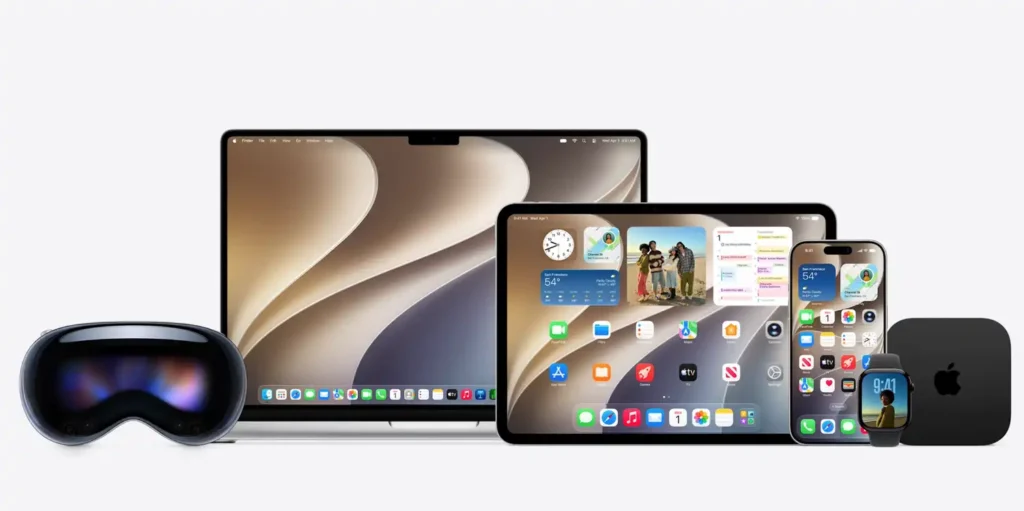
Apple unveiled iOS 27, iPadOS 27, macOS 27 Golden Gate, watchOS 27, visionOS 27 and tvOS 27 at WWDC 2026. Instead of a complete visual makeover, this version delivers more advanced artificial intelligence, better performance, more advanced Liquid Glass effects, and more integrated devices.
The flagship announcement is Siri AI, a re-imagined assistant that understands genuine conversations, personal context and content on the screen. Apple has also expanded Apple Intelligence to new apps including as Photos, Safari, Messages, Mail and Shortcuts.
iOS 27 gets a smarter
Siri
The big new thing in iOS 27 is Siri AI. The assistant can now handle longer conversations, answer open-ended queries and use information stored across supported apps to offer more relevant answers.
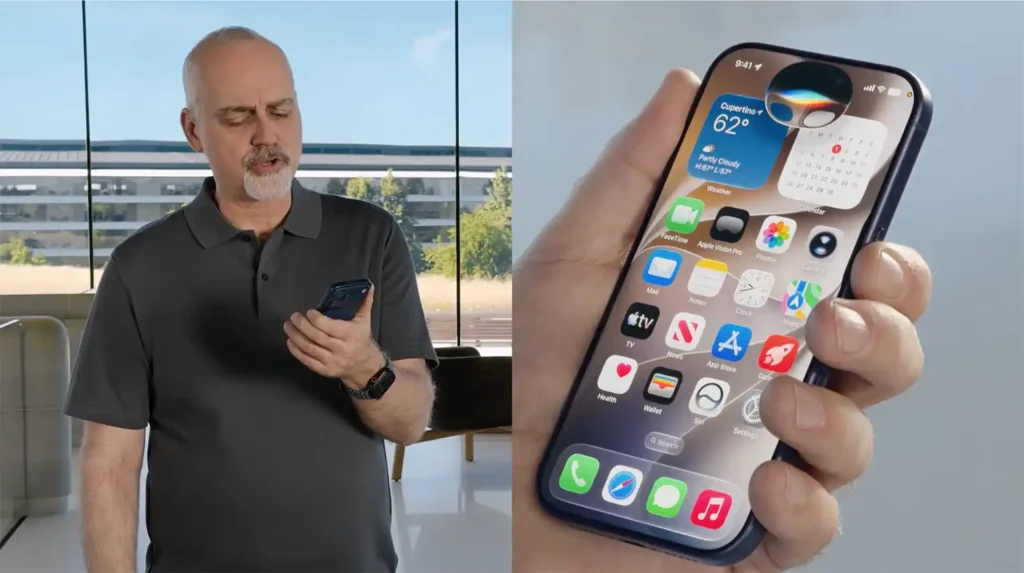
For example, you can ask Siri to discover an old photo, get information from an email or find information stored in Notes. Siri can also do things inside apps, such as organizing an event, amending a message, adding a music to a playlist or setting a reminder.
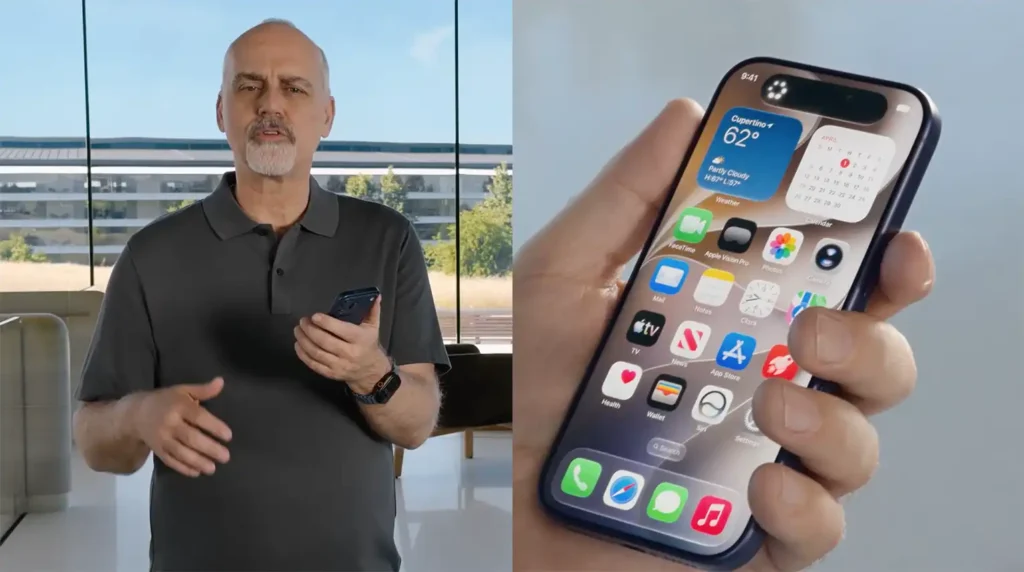
Apple has created a different Siri app that keeps a record of your past chats. You can start a chat on your iPhone and continue it later on your iPad or Mac, and you can pin critical discussions for easy access.
Siri AI can also generate text, assess existing material, and change its writing style in Messages and Mail. Users can change the assistant’s voice, including its speed and expressiveness.
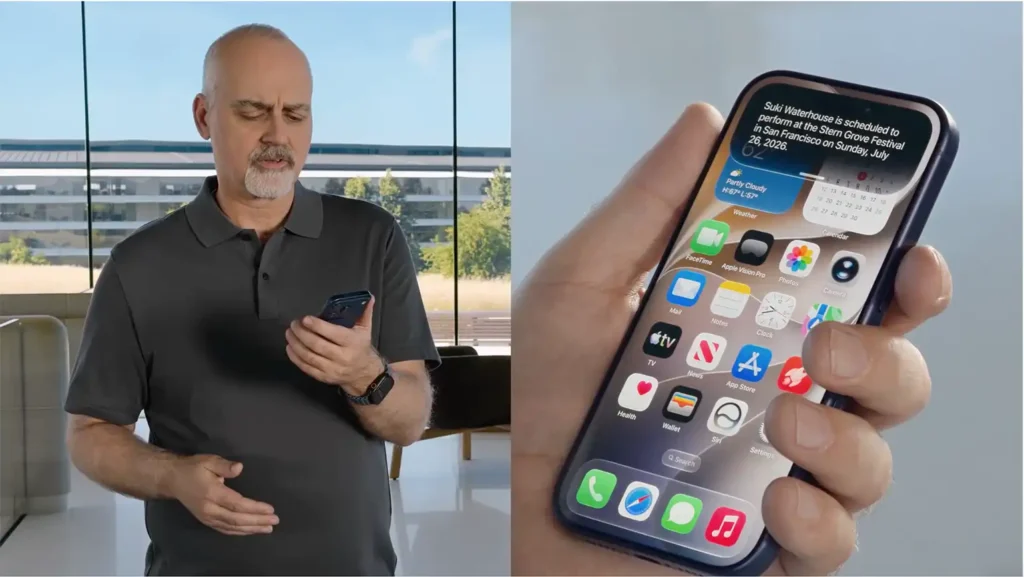
However, Siri AI will initially launch as a beta in English only. Apple also stated it will not be accessible at launch on iPhone and iPad in the European Union.
Visual Intelligence comes to Camera App
In iOS 27, the Camera app is getting a dedicated Siri mode, powered by Visual Intelligence. Users can hold the camera up to an object, place, food or document and ask questions about what they see in the viewfinder.
The system can recognize products, show nutritional information, retrieve related photos, and enable users take action on visible information. This allows the camera to be used as a visual search and assistance tool instead of just a device to shoot pictures and videos.
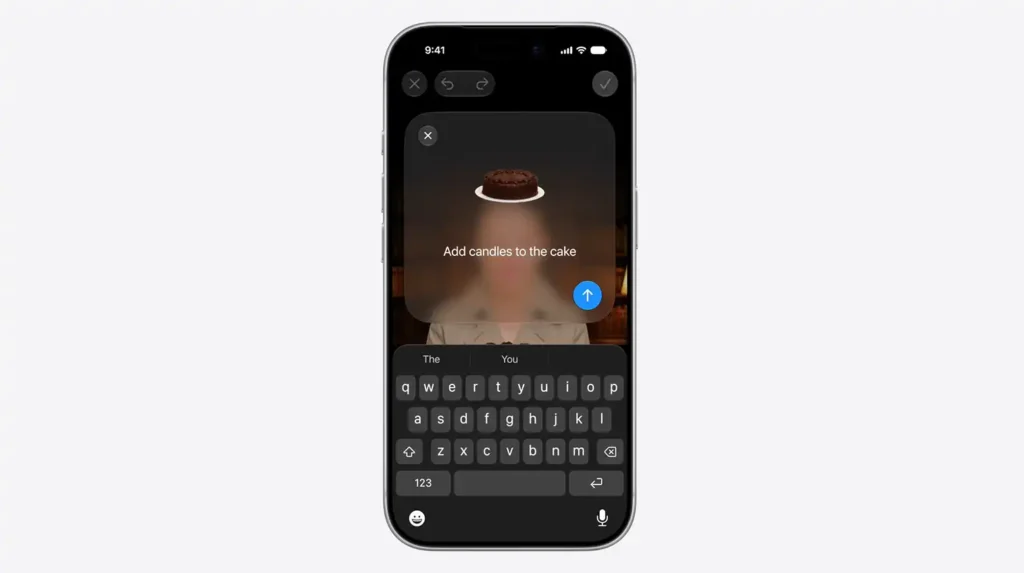
Photos gets a handful of generative editing tools Spatial Reframing allows users to adjust the composition of a photo after it’s taken, and Extend can provide more material beyond the bounds of a shot.
The improved Clean Up feature can eliminate larger objects and recreate the background. Image Playground offers photorealistic image creation and allows you to change existing images with written instructions.
The tools are a huge leap for Apple’s image-generation tech, although certain cloud-based features might have a daily restriction.
Safari, Passwords & Shortcuts get smart
Safari in iOS 27 will be able to automatically group open tabs by topic, which should make it easier to manage large surfing sessions. A new Notify Me function may monitor a webpage and notify the user when something changes, like a price drop or product resupply.
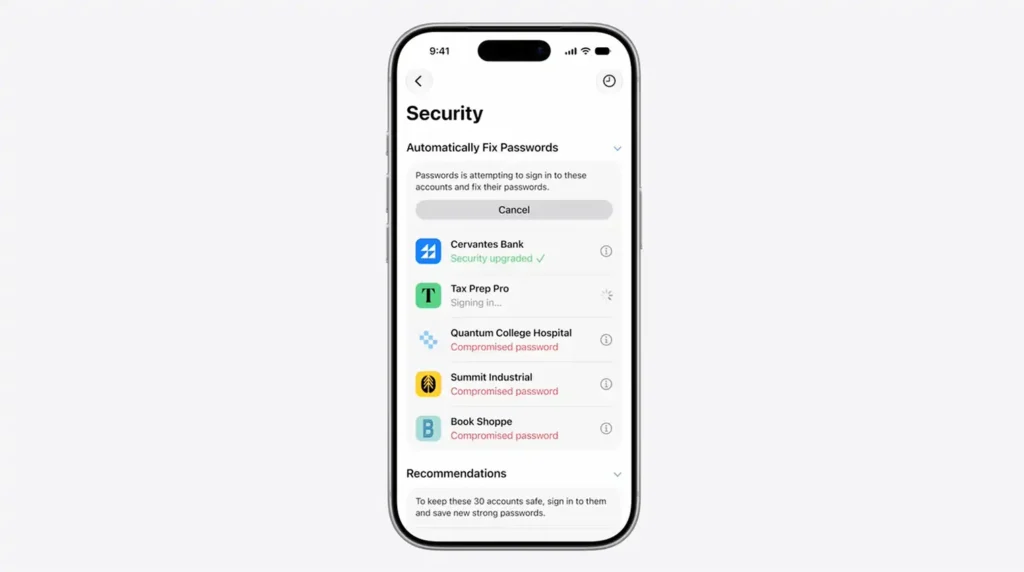
The Passwords software can find weak or compromised passwords and change them for you on supported websites.
Shortcuts also offer more. Users can explain the automation they require in natural language instead of building each action manually. The software then builds a process across the available applications.
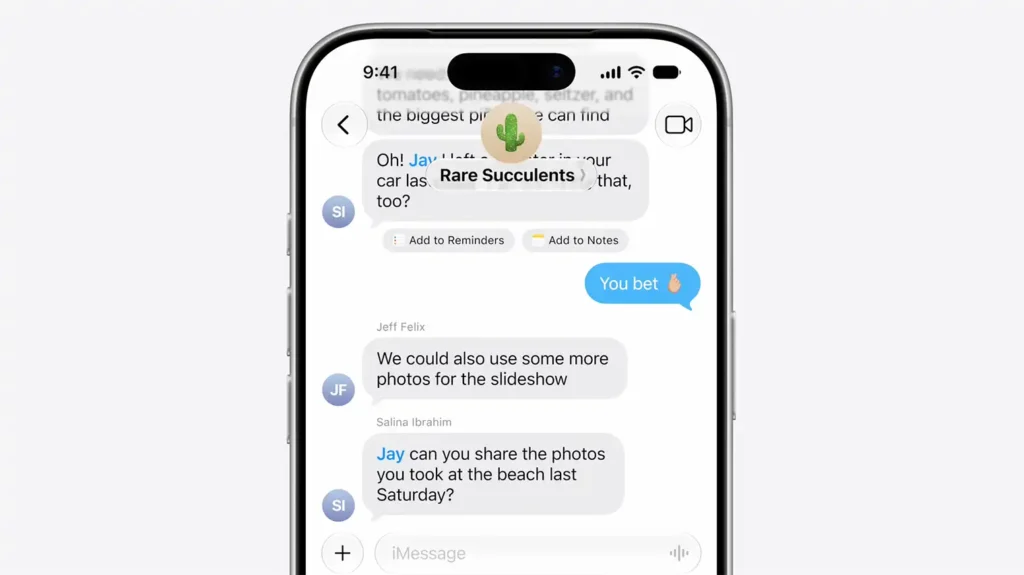
Messages and Mail can provide contextual suggestions based on the current conversation. For example, a message regarding an appointment can generate a shortcut to add the event to Calendar.
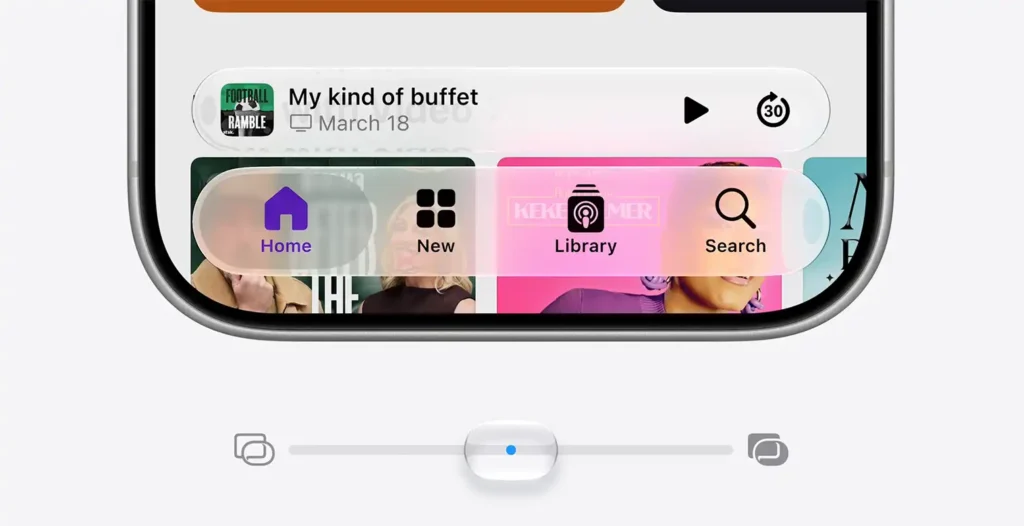
Apple has dialed down the Liquid Glass look that debuted with iOS 26. The UI now has better contrast, more uniform refraction and clearer app icons.
And a new slider allows users to adjust the transparency or tint of Liquid Glass, solving the previous design’s reading problems.
Apple also says iOS 27 can launch apps up to 30 per cent faster, load new photos in huge libraries up to 70 per cent faster and complete some AirDrop transfers up to 80 per cent faster. There should also be better network switching between Wi-Fi and mobile data.
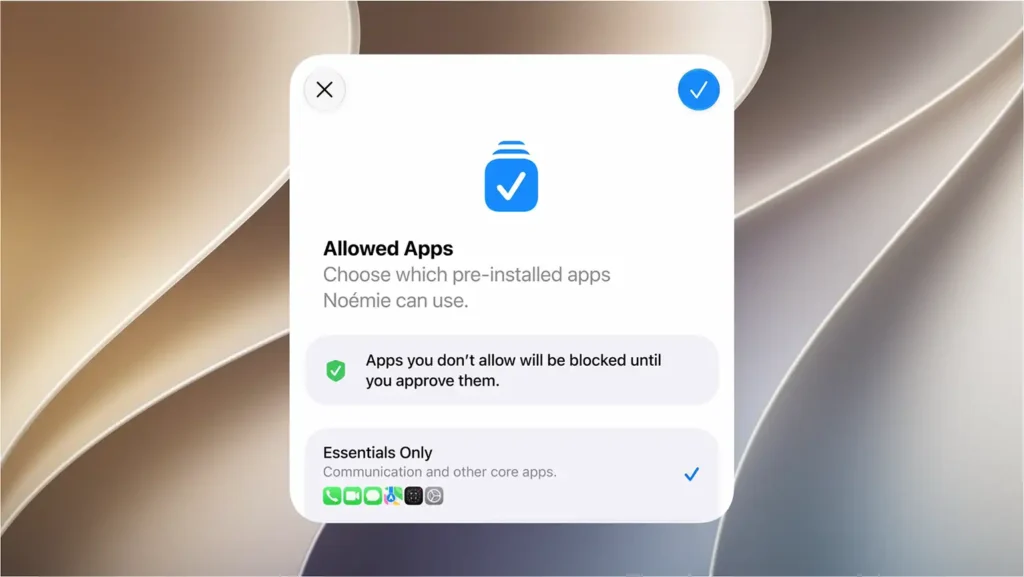
Child safety is getting a lot of love in iOS 27. Parents can pick which system apps their child can use during the initial setup, and they can approve more apps at a later time.
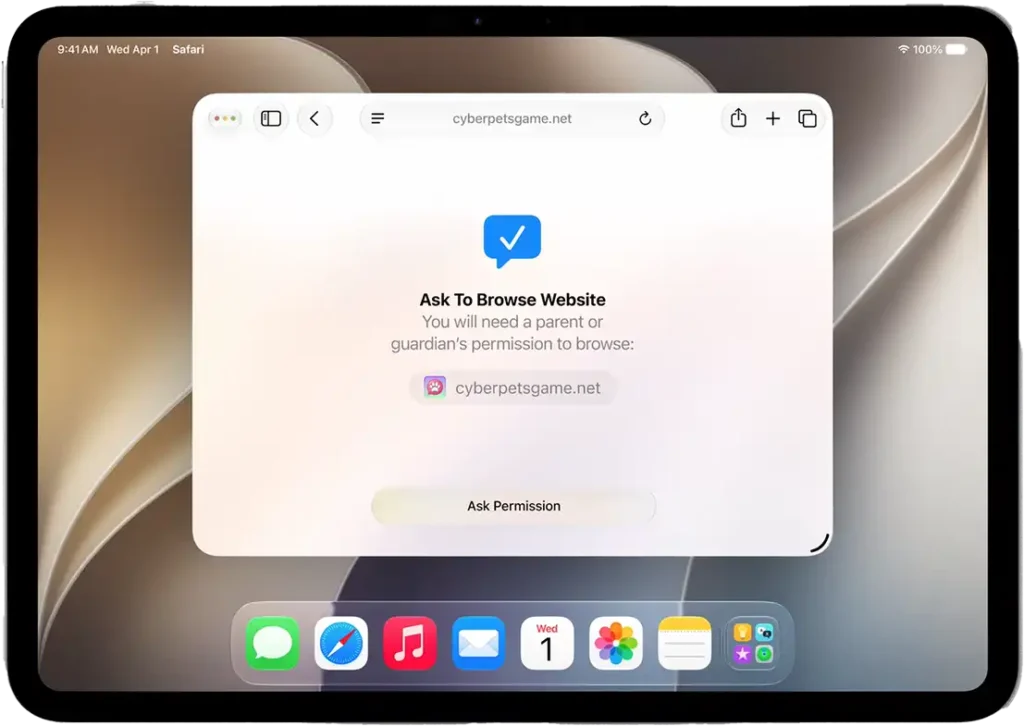
Ask to Browse forces youngsters to ask permission to go to a new website. Parents can check the webpage and approve or deny the request straight using Messages.
In addition to nudity detection, Communication Safety has expanded to also act before a youngster views violent or graphic content in compatible apps.
Screen Time has Time Allowances and Schedules. Parents can set different limits for categories like games, entertainment, and social media, and choose which applications are available at different times.
The Health app now adds support for perimenopause and menopause in Cycle Tracking. It can recognize certain variations in logged cycle patterns, offer options for tracking symptoms, and provide instructive content.
AirPods get a bespoke equalizer that users can tweak the low, middle and high frequencies. GymKit is also available for iPhone and AirPods Pro 3, giving you more precise workout data when paired with appropriate gym equipment.
Apple Intelligence lets the Home app aggregate relevant camera messages, explain events taken by security cameras and search footage via natural language inquiries. HomeKit Secure Video cameras are also capable of recording in 4K.
iPadOS 27 expands productivity and Visual Intelligence
iPadOS 27 adds many of the same Siri AI, Photos, Safari, Shortcuts, and parental controls capabilities as iOS 27.
Visual Intelligence is very significant on the iPad. Users can choose the content presented on the screen, ask Siri questions about it, run an image search, or extract important information.
Apple also made iOS apps resizable when run on an iPad. This should let apps better adapt to larger displays and diverse window widths.
Performance enhancements also include file handling, search, memory use and display rendering. These improvements are part of Apple’s broader attempt to bolster the iPad’s productivity features.
macOS 27 Golden Gate adds Siri AI to desktop
The next Mac operating system is macOS 27 Golden Gate. It includes the specialized Siri app, conversational assistance, and the Apple Intelligence capabilities that are available on the iPhone and iPad.
You may ask Siri AI queries about documents, screenshots, PDFs or photos seen on the Mac using Spotlight. Visual Intelligence is able to provide searches, explanations or relevant actions based on analysis
of selected screen content.
Liquid Glass looks more consistent across macOS, with squarer window corners, better contrast and crisper icons.
Apple has also paid attention to performance, search and system responsiveness. macOS 27 is a big platform shift, because its main new intelligence and development capabilities are mostly dependent on Apple silicon.
watchOS 27 also adds Siri AI and a dedicated Siri app, so you can go back to earlier talks directly from the Apple Watch.
A new dynamic app grid puts the programs you use more often in more accessible positions. And if your other hand is engaged, Apple has included a one-tap gesture to access or pick a Smart Stack widget.
Smart Stack suggestions can be contextually based, for example, a contact’s birthday, where a parked car is or a change to a sleep alarm that’s coming up.
Workout Buddy offers deeper insights based on fitness data and Cycle Tracking includes support for perimenopause and menopause. The revamped Find My app also includes Devices, People and Items.
visionOS 27 combines Siri AI and Visual Intelligence into the user’s actual environment. With Apple Vision Pro, users can gaze at an object and ask Siri questions about it without first taking a picture.
The specialized Siri app keeps track of talks and offers continuity between Apple devices. Other Apple Intelligence tools like Image Playground also become available in the spatial interface.
A new spatial preview function lets 3D models from the Mac appear in the user’s environment, where they can be inspected and changed at real-world scale.
Panoramic photos can be converted into spatial settings for users to use as their own immersive surroundings.
Apple has dropped the first developer betas of its new operating systems. Public beta versions are planned in July 2026 and final revisions will appear as free downloads in fall 2026.
iOS 27 is compatible with iPhone 11 and later, and with iPhone SE (2nd generation) and after. However, several features of Apple Intelligence and Siri AI require newer technology.
Apple’s software approach for 2026 is clear, AI will be integrated into everyday system functions, not as a standalone feature. Those new operating systems, including iOS 27, follow that philosophy with quicker performance, better accessibility, more powerful parental controls and tighter integration across the Apple ecosystem.