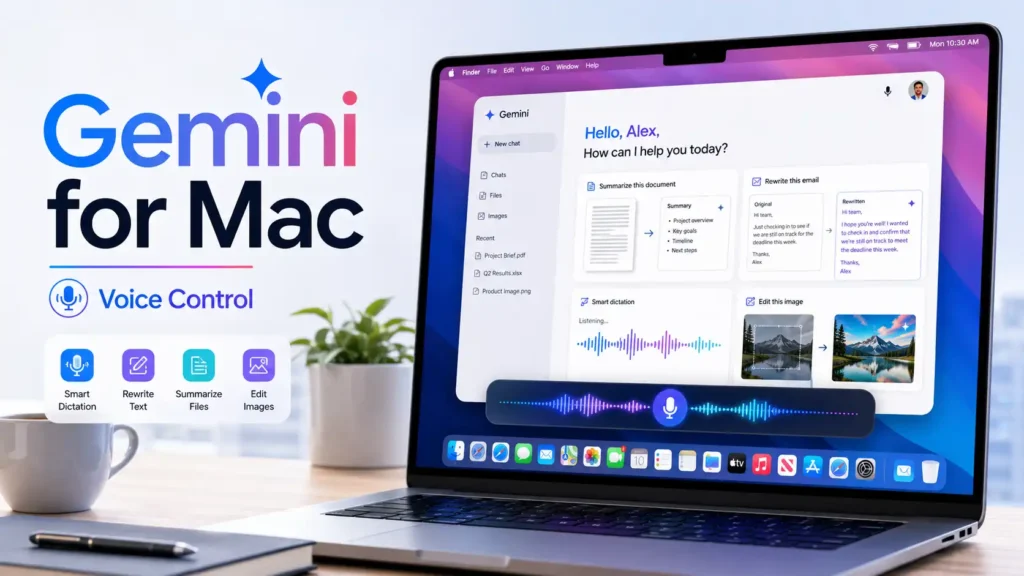
Google has introduced new voice control features for the Gemini for Mac app. Users can now dictate text, rewrite content, summarise files and edit images through natural voice commands.
The update turns Gemini into a more integrated AI assistant for macOS. Instead of copying content into a separate chatbot, users can activate Gemini inside the application they already use.
How Gemini Voice Control works on Mac
You can turn on the Gemini by holding down the Fn key. A floating voice bar displays at the bottom of the screen and confirms that the assistant is able to hear the instruction.
Gemini then inserts the result at the current cursor location. It works with any supported macOS program, making it handy for emails, papers, reports, notes and social media updates.
Users can also have voice control via screen-sharing within the Gemini app.
Smart Dictation removes Filler Words
The Gemini Mac program is more than just basic speech-to-text conversion. The clever dictation function cleans up the spoken words before inserting the final text.
Gemini can delete filler words such as “um” and “ah”. It also responds to spoken corrections inside the same sentence. The outcome is a clearer end version for the consumers, not a verbatim transcript of everything said.
This function can save time for professionals who develop big quantities of written content.
Gemini can analyse Screen Content
Gemini reasoning can be enabled in the app settings. This setting enables the assistant to grasp the content that is presented on the screen, and accomplish more difficult tasks.
Selected papers, files or photos can be analyzed by Gemini and pertinent information can be extracted. It can be asked by a user to look at numerous papers and turn the main points into an email, summary or structured report.
Gemini can also take rough notes and create an executive summary, summarize or change the tone of selected material.
Rewrite and edit text with Voice Commands
The new voice controls let users highlight text and ask Gemini to fix it. Commands can ask for a shorter version, a professional tone, clearer wording or a different format.
This feature can be used for marketing material, business emails, meeting notes, proposals and customer communication.
The edited text shows up within the active application, so you don’t have to switch between windows.
Create and edit images with Gemini
Gemini for Mac also supports visual tasks. Users can request a new image through a voice description or ask the assistant to modify an existing visual.
For example, Gemini can create an illustration or adapt an image for a dark interface. This gives designers, marketers and content creators a faster way to test visual ideas.
Availability of Gemini for mac voice control
Google launched the feature globally in English on 29 July 2026. Support for more languages will arrive later.
Users may need version 1.88 of the Gemini Mac app. Since Google uses a gradual rollout, access may not appear at the same time for every account.
Conclusion
Voice control makes Gemini for Mac a more practical desktop assistant. Smart dictation, screen awareness, text rewriting, file summaries and image tools can reduce repetitive steps and help users complete tasks without leaving their current application.